Why System Center Operations Manager 2012 R2 fails to reach the Microsoft management pack catalogue, and the options for importing packs regardless.
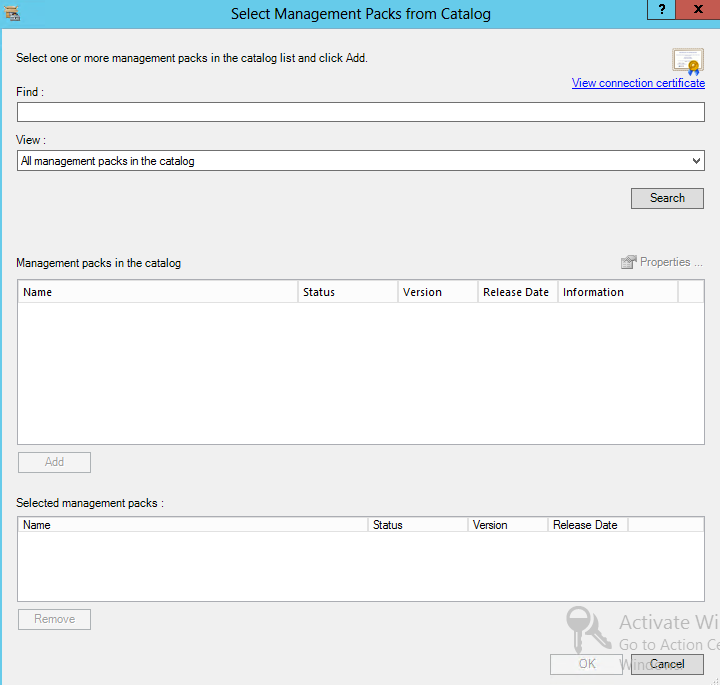
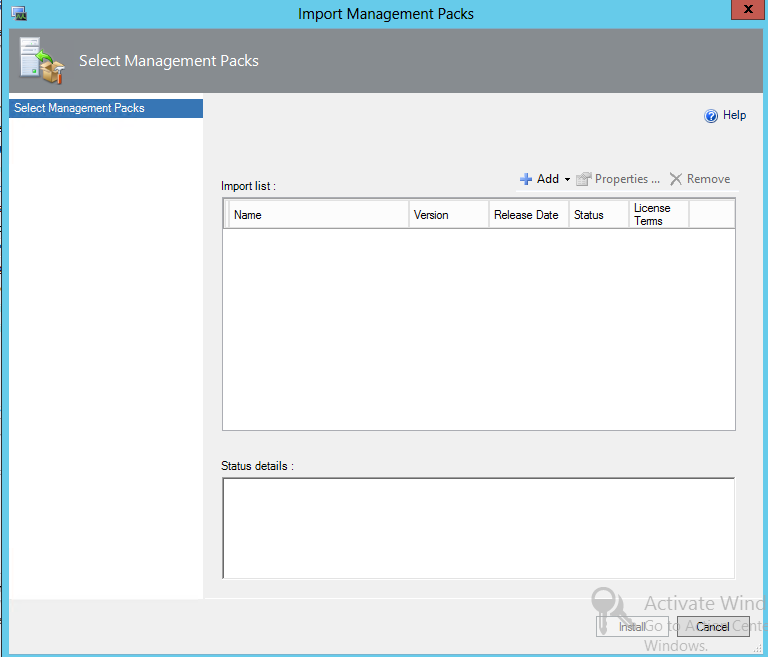
I have been working on a customer SC Operations Manager 2012 Proof of Concept and ran into a few issues with downloading management packs from the MS Catalogue.
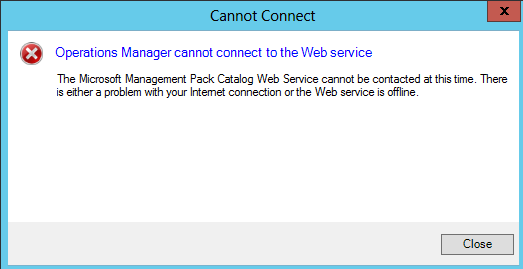
To resolve this issue, you will need to go to the following Path:
C:\Program Files\Microsoft System Center 2012 R2\Operations Manager\Console\Microsoft.EnterpriseManagement.Monitoring.Console.exe
Add the following Lines at the bottom of the config file as shown in the screenshot below.
<system.net>
<defaultProxy enabled="true" useDefaultCredentials="true">
<proxy usesystemdefault="True" />
</defaultProxy>
</system.net>
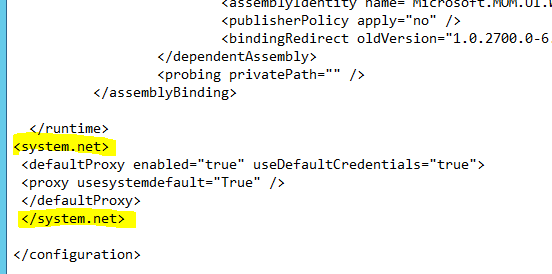
There you have it, the SCOM Console configured to use the Proxy.