
The registry fix for vCenter Server 5.1 failing to start on Windows Server 2012, by correcting the vpxd service dependency and rebooting.
Categories
VirtualisationVmwareWindows Server 2012
Tags
DependonserviceProtectedstorageServersVcenterVirtual MachineVmware EsxVmware Vsphere

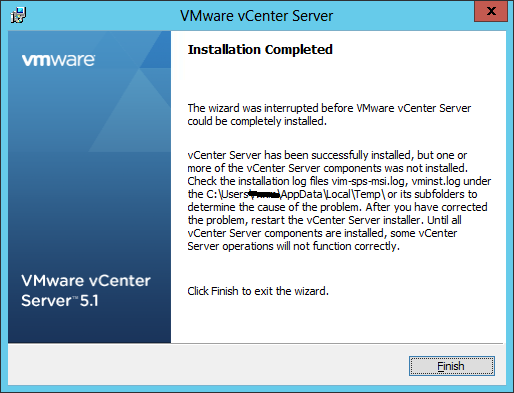
After installing Vcenter on a server 2012 I received the following message:
To fix this you will need to edit the registry:
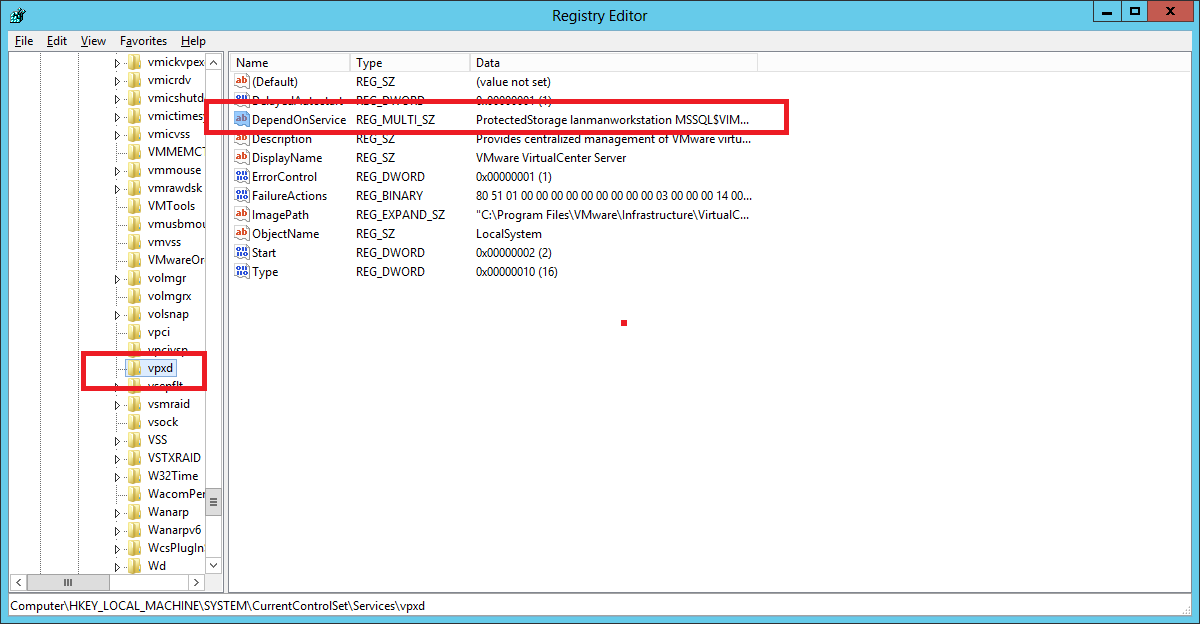
\System\CurrentControlSet\Services\vpxd and the Open the DependOnService key and remove ProtectedStorage from the list
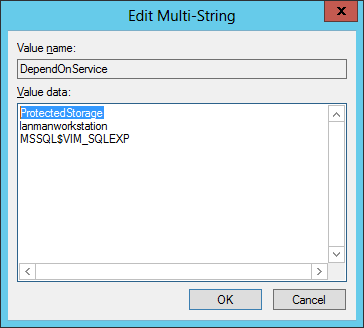
Remove the ProtectedStorage from the list , click ok and exit out of the registry.
Reboot the server and Vcenter should start.