assign a RDWorkspace Name in RDS 2012
Categories
MicrosoftRds 2012
Tags
Rd WorkspaceRdsRds12Rds2012Remote Desktop ServicesRemotedesktopWindows PowershellWorkspace Connectionbroker
To change the RD Workspace name you need to run the following PowerShell Cmds.
Import RDS PowerShell Module:
Import-module RemoteDesktop
Set the RDWorkspace name:
Set-RDWorkspace -Name "<Name you would like>"
Example:
Set-RDWorkspace -Name "Ryan Mangan"
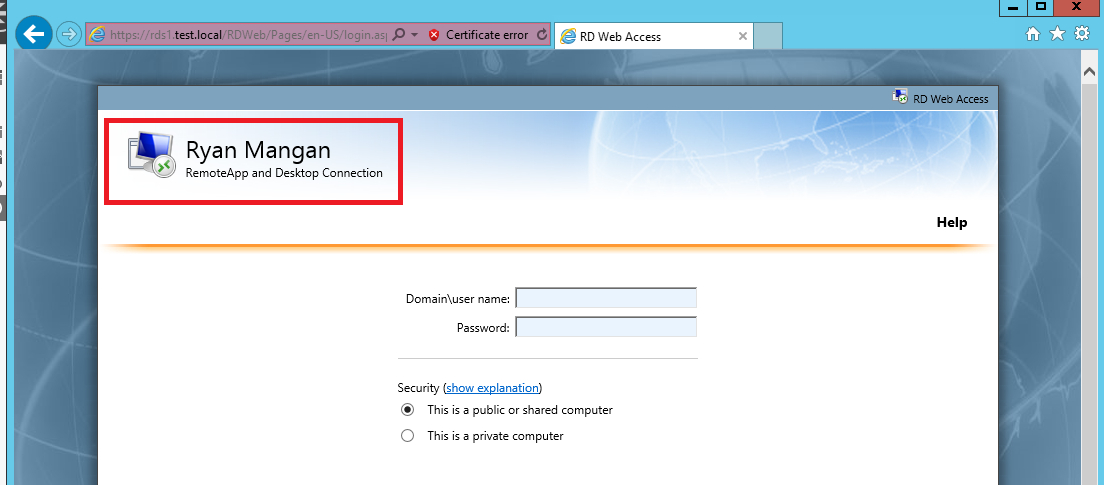
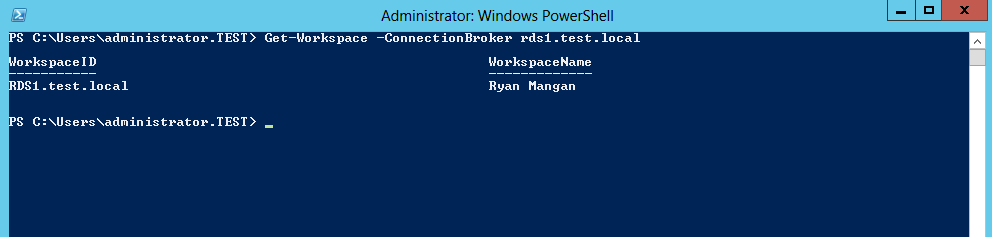
Check RDWorkspace name:
Get-Workspace -ConnectionBroker <Server FQDN>