How to set the RD Workspace name shown to users in Remote Desktop Services 2012, so the feed is branded rather than showing the server name.
Categories
MicrosoftRds 2012
Tags
Rd WorkspaceRdsRds12Rds2012Remote Desktop ServicesRemotedesktopWindows PowershellWorkspace Connectionbroker
To change the RD Workspace name you need to run the following PowerShell Cmds.
Import RDS PowerShell Module:
Import-module RemoteDesktop
Set the RDWorkspace name:
Set-RDWorkspace -Name "<Name you would like>"
Example:
Set-RDWorkspace -Name "Ryan Mangan"
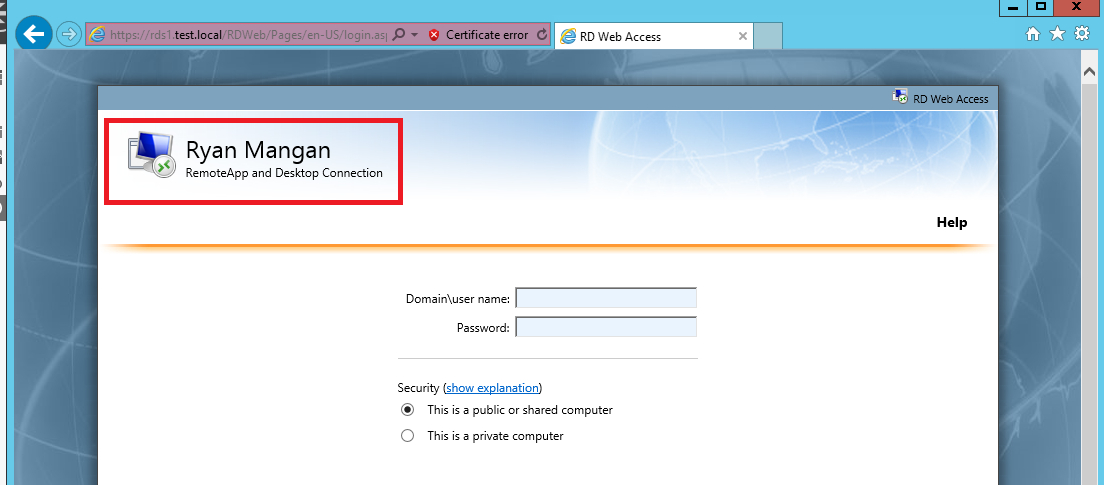
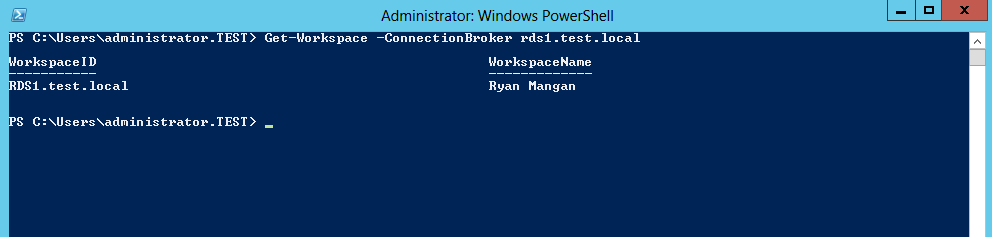
Check RDWorkspace name:
Get-Workspace -ConnectionBroker <Server FQDN>