Part 4 of the KEMP LoadMaster and VMware Log Insight series: forwarding ESXi syslog events to the Log Insight cluster using esxcli.
This Article will show you how to forward Log Events from the ESXI Host to Log Insight.
In Part 3, we configured a Load Master to load balance Syslog Traffic between all the Master and Worker nodes. We are going to use the UDP Virtual Service to forward syslogs to the Log Insight Cluster.
We will be using a ESXI 5.5 Hypervisor and connecting to the Host via SSH:
You will need to enable SSH so we can connect using Putty.
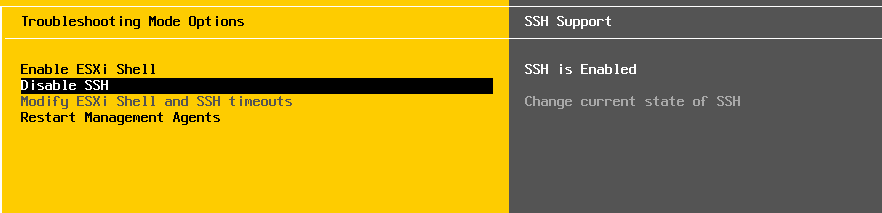
Forwarding Log Events to Insight Configuration:
To view the current Syslog configuration use the following command:
esxcli system syslog config get
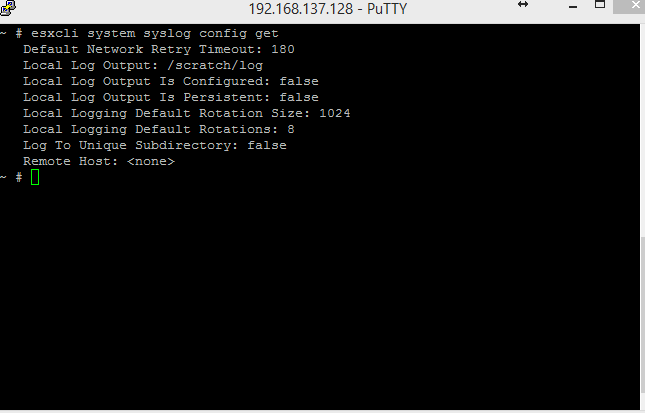
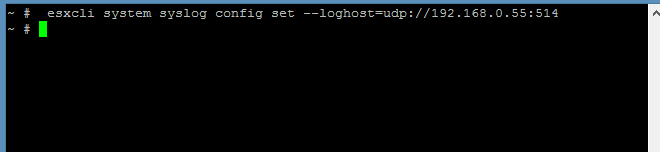
To configure the ESXI Host to forward logs to multiple endpoints, you can list the endpoints, separated by commas:
esxcli system syslog config set --loghost=udp://192.168.0.55:514
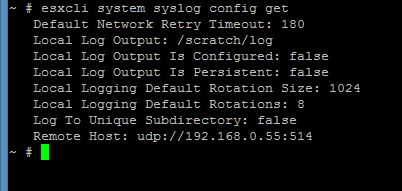
To check to see if the Remote Host has been applied in the configuration:
To ensure that the Firewall is configured to allow the forwarding of Syslogs, you can use the following commands:
esxcli network firewall ruleset set --ruleset-id=syslog --enabled=true esxcli network firewall refresh

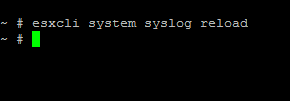
Once you have applied the configuration and set the firewall rules, you will need to reload the Syslog using the following command:
esxcli system syslog reload
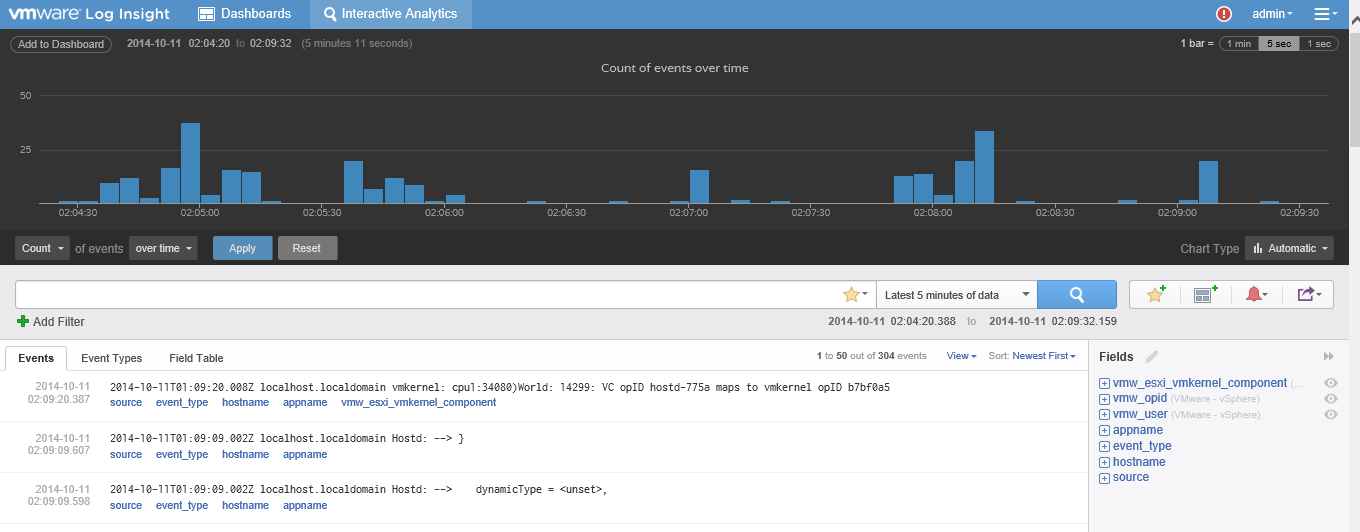
As you can see from the screenshot bellow, all of the ESXi Syslogs are being forwarded to the Log Insight Cluster through the Load Master using the UDP Virtual Service