insights into Unable to connect to MS's Management Pack Catalog
Categories
ScomSystem Center 2012Windows Server 2012
Tags
Mangement PackMicrosoftMicrosoft ServersMicrosoft System CenterMicrosoft System Center 2012Operations ManagerProxyScom 2012
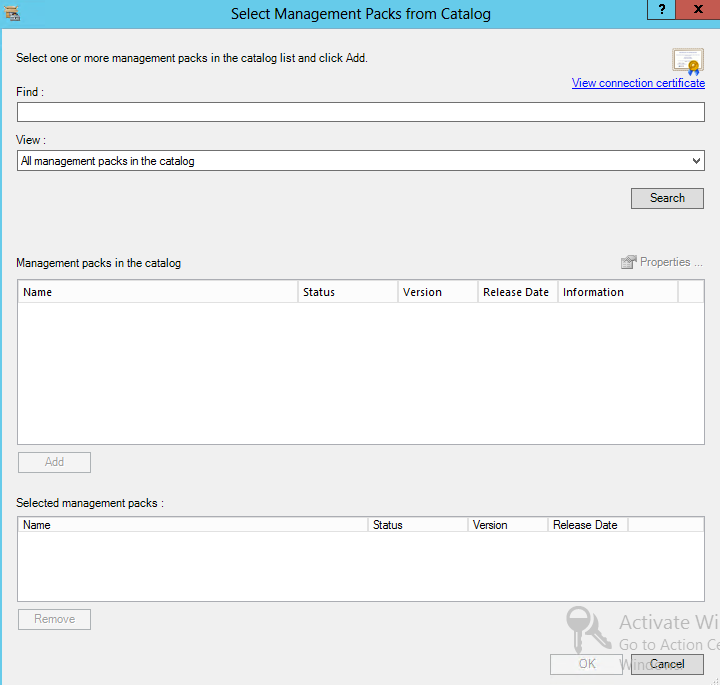
I have been working on a customer SC Operations Manager 2012 Proof of Concept and ran into a few issues with downloading management packs from the MS Catalogue.
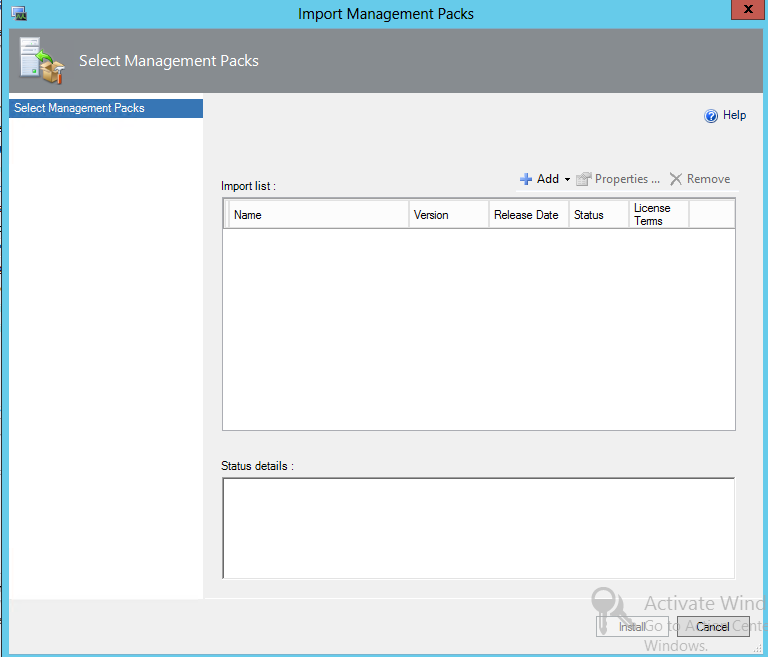
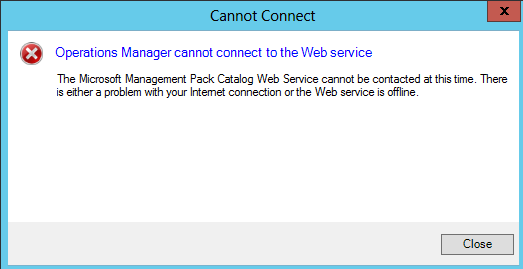
To resolve this issue, you will need to go to the following Path:
C:\Program Files\Microsoft System Center 2012 R2\Operations Manager\Console\Microsoft.EnterpriseManagement.Monitoring.Console.exe
Add the following Lines at the bottom of the config file as shown in the screenshot below.
<system.net>
<defaultProxy enabled="true" useDefaultCredentials="true">
<proxy usesystemdefault="True" />
</defaultProxy>
</system.net>
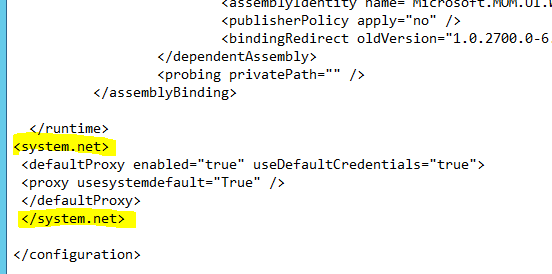
There you have it, the SCOM Console configured to use the Proxy.