AI becomes valuable in EUC when it reduces discovery, packaging, triage, and cost-governance friction under controlled operational boundaries.
At the recent E2EMVC Capital Agenda AI Masterclass, I focused on a shift that matters for every modern EUC team: the role of the architect is moving from reactive troubleshooting toward proactive engineering.
That shift is not about replacing engineers with generic AI. It is about using AI in a controlled way to reduce manual discovery, packaging effort, triage noise, and cost-governance drag so architects can spend more time on design decisions that actually change outcomes.
What proactive AI in EUC actually means
The weak version of AI in IT is a chatbot that summarizes documentation and produces one-off snippets. That can be useful, but it does not materially change the operating model.
The stronger version is workflow-aware assistance that helps teams investigate, plan, and execute bounded tasks with the right context. In EUC, that means using AI to shorten the time between a problem being observed and a defensible action being taken.
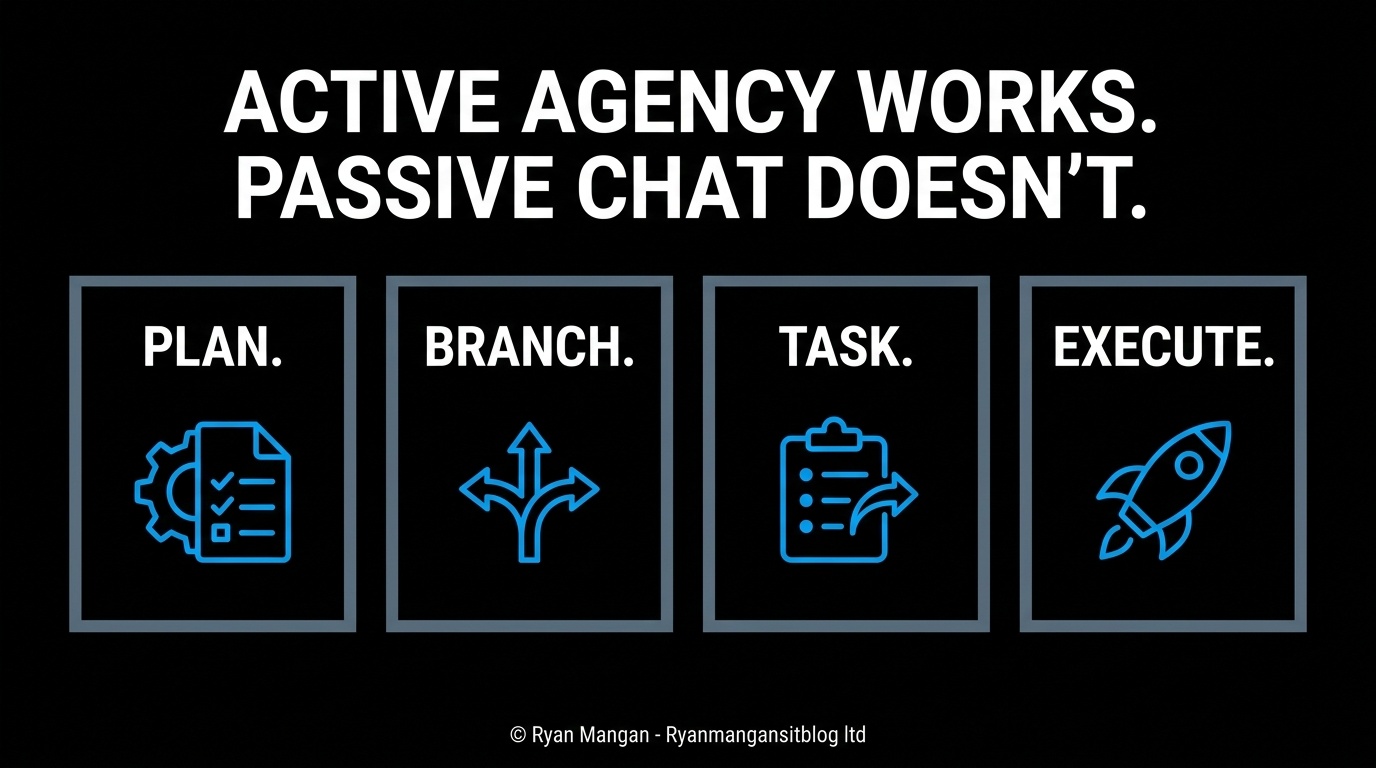
For me, that is the practical definition of active agency in EUC: not uncontrolled autonomy, but systems that can help engineers move through repeatable operational workflows with less manual friction.
Packaging and application delivery are obvious starting points
Application packaging remains one of the most stubborn bottlenecks in end-user computing because the hard part is often not the final package. The hard part is understanding what the application does, how it installs, what it writes, and which delivery route makes sense.
Microsoft's packaging model gives a clear foundation for this work:
- The MSIX Packaging Tool can repackage existing desktop apps to MSIX and supports conversion from installers such as MSI, EXE, ClickOnce, App-V, scripts, and manual installs.
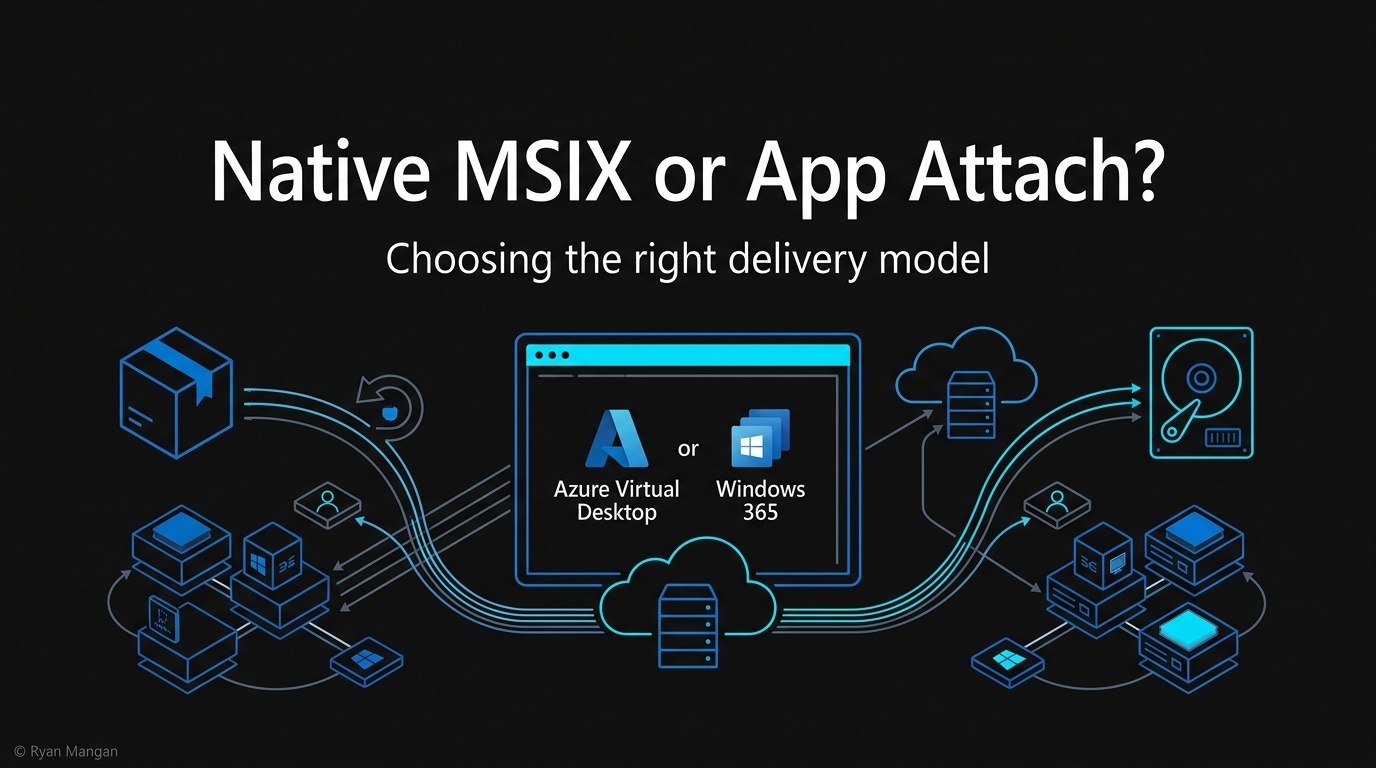
- App Attach in Azure Virtual Desktop dynamically attaches application packages to user sessions so applications do not need to be installed into every base image.
A sensible AI-assisted packaging workflow looks like this:
- Observe the installer or application footprint.
- Profile dependencies, file writes, services, and user-state assumptions.
- Match the findings to known patterns and likely remediation steps.
- Route the app toward the right outcome, such as MSIX packaging, App Attach delivery, or another managed enterprise path.
- Produce an output that is easier to test, govern, and maintain.
That is where AI can create immediate value. It reduces the manual discovery burden that usually slows the entire modernization process down.
App Attach is about operational control, not just packaging format
One of the more important architectural advantages in Azure Virtual Desktop is that App Attach lets teams separate application delivery from the session host image. Microsoft documents that the same application package can be used across multiple host pools, and that applications can be delivered using RemoteApp or inside a full desktop session.
That matters because it lets architects reduce image sprawl and manage application rollout more deliberately. Microsoft also supports multiple application package types for App Attach, including MSIX, Appx, and App-V, and documents CimFS, VHDX, and VHD as disk image options for MSIX and Appx images.
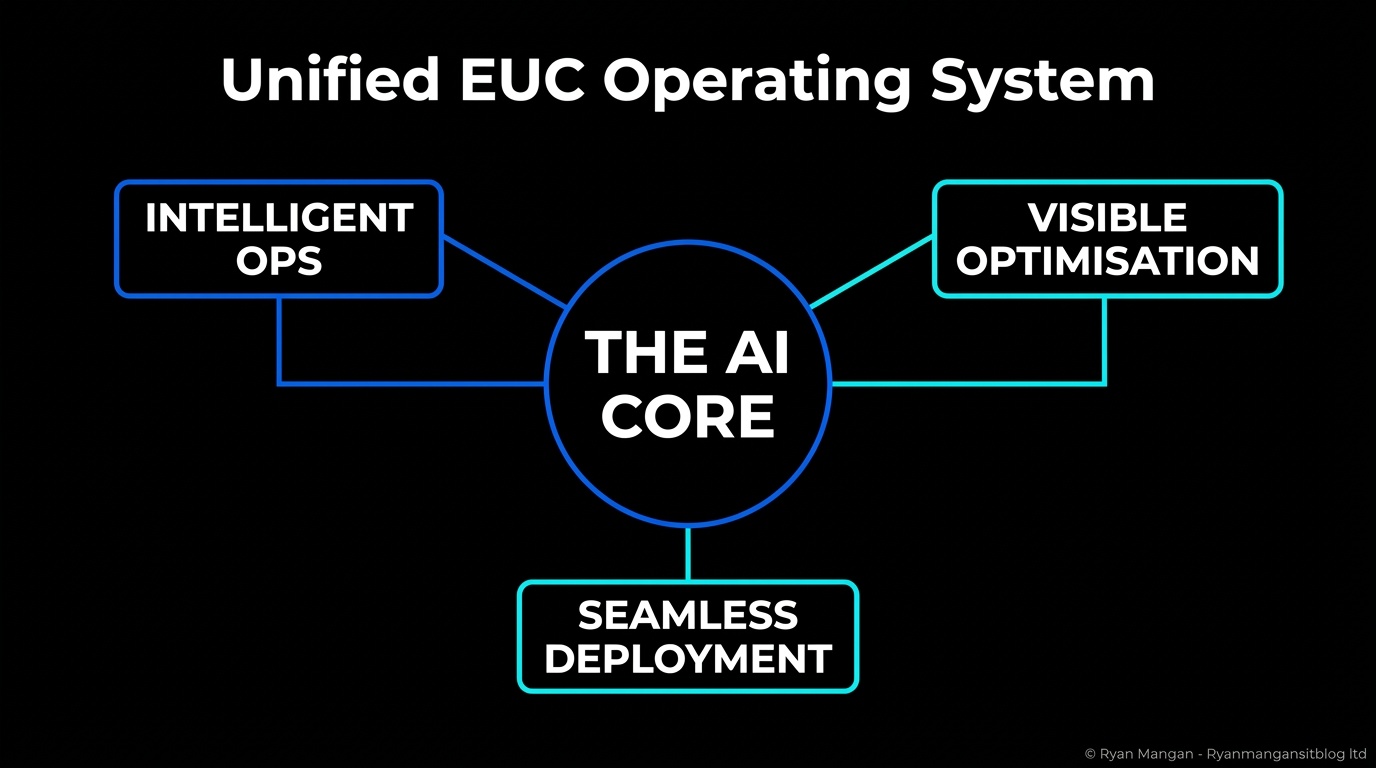
The architectural lesson is straightforward: when packaging intelligence and delivery intelligence are connected, teams can make better decisions earlier and with less rework.
Cost governance also needs a better operating model
The same principle applies to Azure cost governance. Too many teams still treat cloud costs as a monthly spreadsheet exercise instead of an operational discipline.
Microsoft Cost Management is built around a more practical loop:
- Analyze cloud costs.
- Monitor with budgets.
- Optimize with recommendations.
- Keep billing visibility tied to operational decisions.
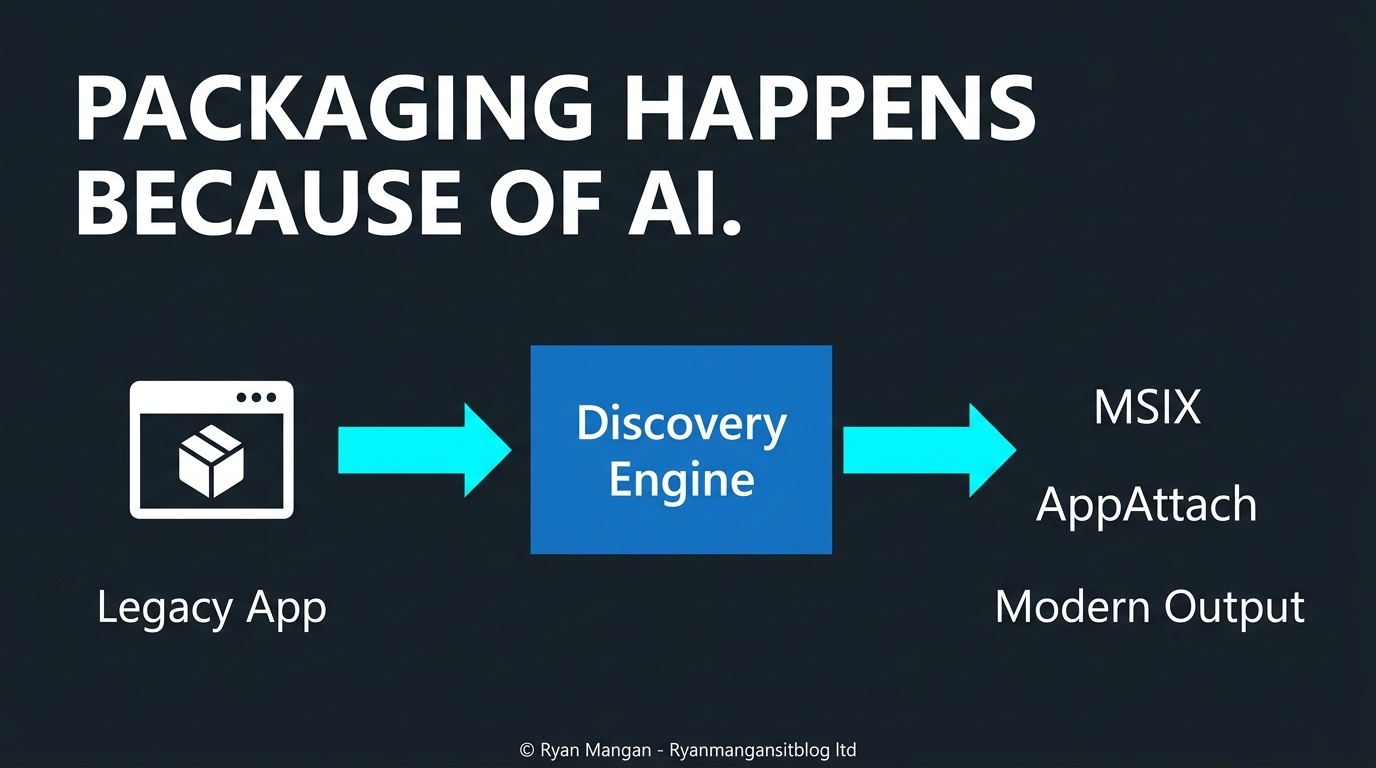
For EUC architects, this matters when evaluating delivery models and user patterns. For example, Windows 365 Frontline can reduce costs for the right workforce pattern, but only when it is matched correctly to how people actually work. Microsoft documents that Frontline dedicated mode allows one license to provision up to three non-concurrent Cloud PCs with one active session, while shared mode provides one shared non-concurrent Cloud PC per license. Those are useful levers, but only when access patterns, persistence needs, and concurrency are understood up front.
Governance is part of the architecture
None of this becomes credible without controls.
If AI is involved in packaging analysis, operational triage, automation, or cost optimization, then the architecture also needs answers for:
- What data is being used?
- What actions can run automatically?
- What evidence is retained for change control and audit?
- Where are the approval boundaries?
This is why I see the future EUC architect as proactive rather than merely reactive. The job is no longer just troubleshooting issues after they occur. It is designing a system where discovery, packaging, delivery, governance, and cost control work together with less manual drag.
Practical guidance
If you want AI to help rather than distract, start with the parts of EUC that are expensive in human time:
- Automate discovery-heavy work before automating high-impact production changes.
- Focus on packaging analysis, environment profiling, and repeatable runbooks first.
- Use Microsoft-native controls for packaging, app delivery, and cost governance as the operational baseline.
- Keep engineers accountable for approval and architecture decisions.
The real objective is not to add another assistant to the stack. It is to engineer a more proactive operating model for EUC.