Azure Virtual Desktop Hybrid brings Azure-managed brokering to on-premises session hosts, but the current preview has important boundaries.
Azure Virtual Desktop Hybrid is one of the more interesting changes in the desktop virtualization space because it breaks the old assumption that the Azure Virtual Desktop service and the session hosts must live in the same place.
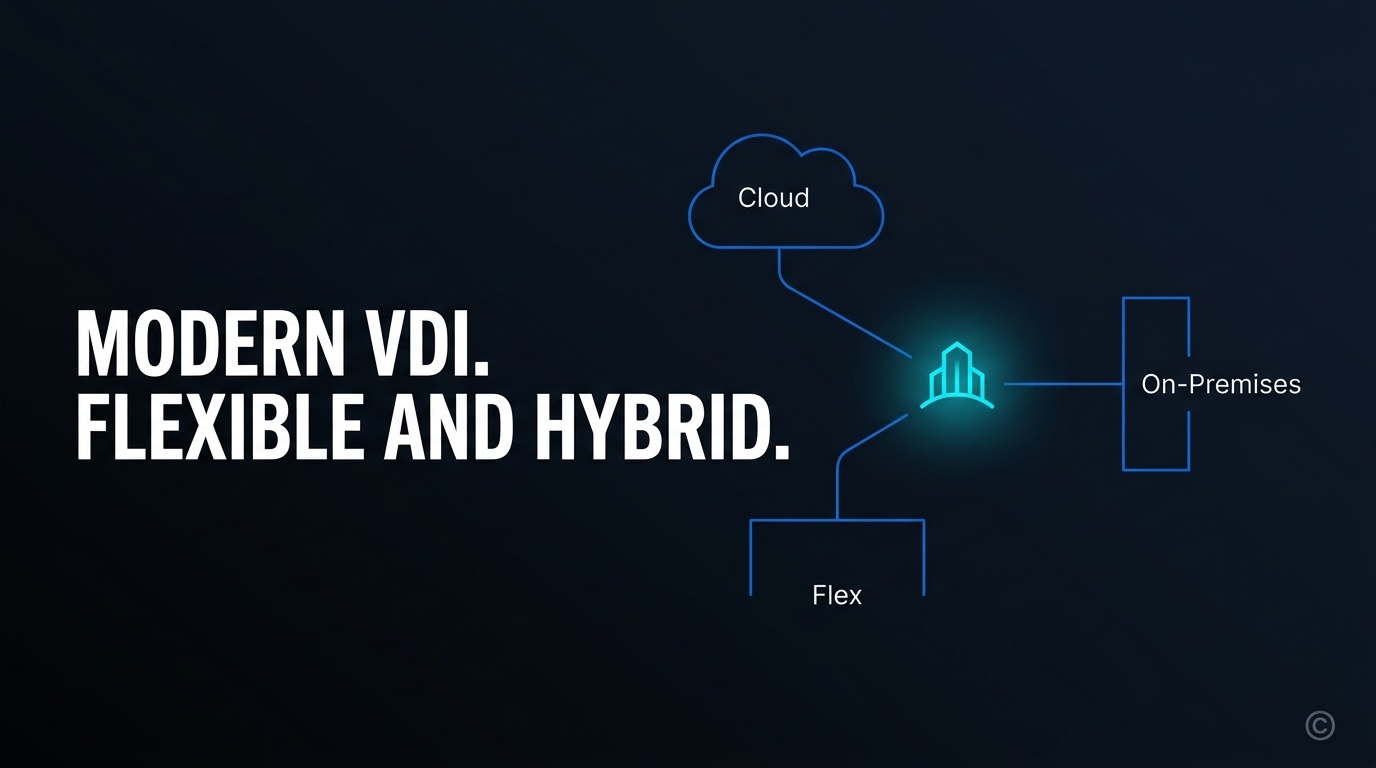
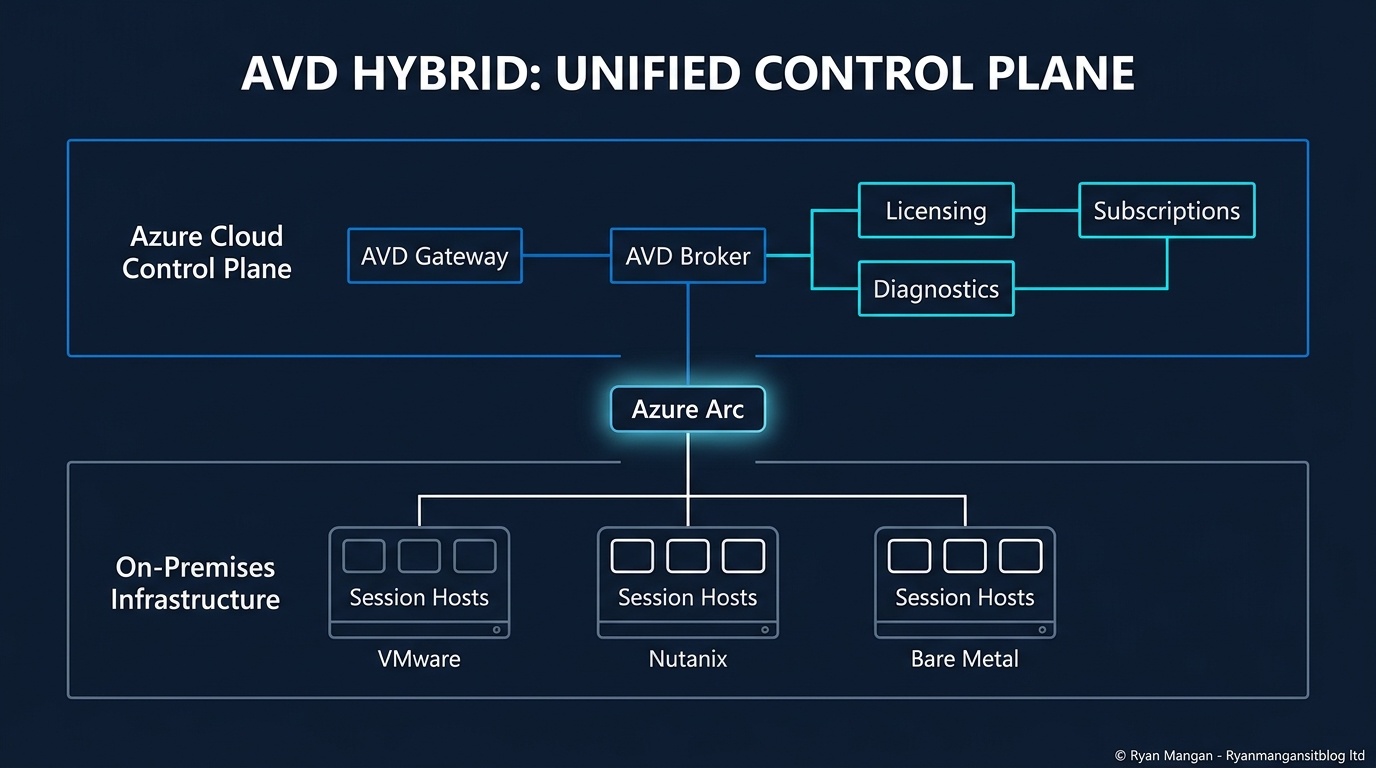
With Azure Virtual Desktop Hybrid, Microsoft keeps the Azure Virtual Desktop service components in Azure while the actual session hosts can remain on-premises on your existing virtualization platform, or in some cases on bare-metal Windows Server. For organizations trying to modernize management without immediately retiring datacenter capacity, that is a meaningful design option.
What Azure Virtual Desktop Hybrid is
At a high level, the architecture splits into two layers:
- Microsoft-hosted Azure Virtual Desktop service components in Azure.
- Customer-hosted session hosts running on-premises.
That means the gateway, broker, and surrounding control-plane services remain cloud-managed, while your desktops and RemoteApps continue to run close to local data, local infrastructure, and existing operational tooling.
Microsoft positions this as platform-agnostic for on-premises Windows virtual machines, and it uses Azure Arc to represent those local machines inside Azure so they can register into Azure Virtual Desktop host pools.
Why the model matters
The value is not just "run AVD outside Azure." The more useful way to frame it is infrastructure rationalization.
Azure Virtual Desktop Hybrid lets you:
- Keep using existing on-premises compute investments.
- Move brokering and service control to Microsoft-managed infrastructure.
- Reduce the need to maintain older on-premises RDS-style gateway and broker patterns.
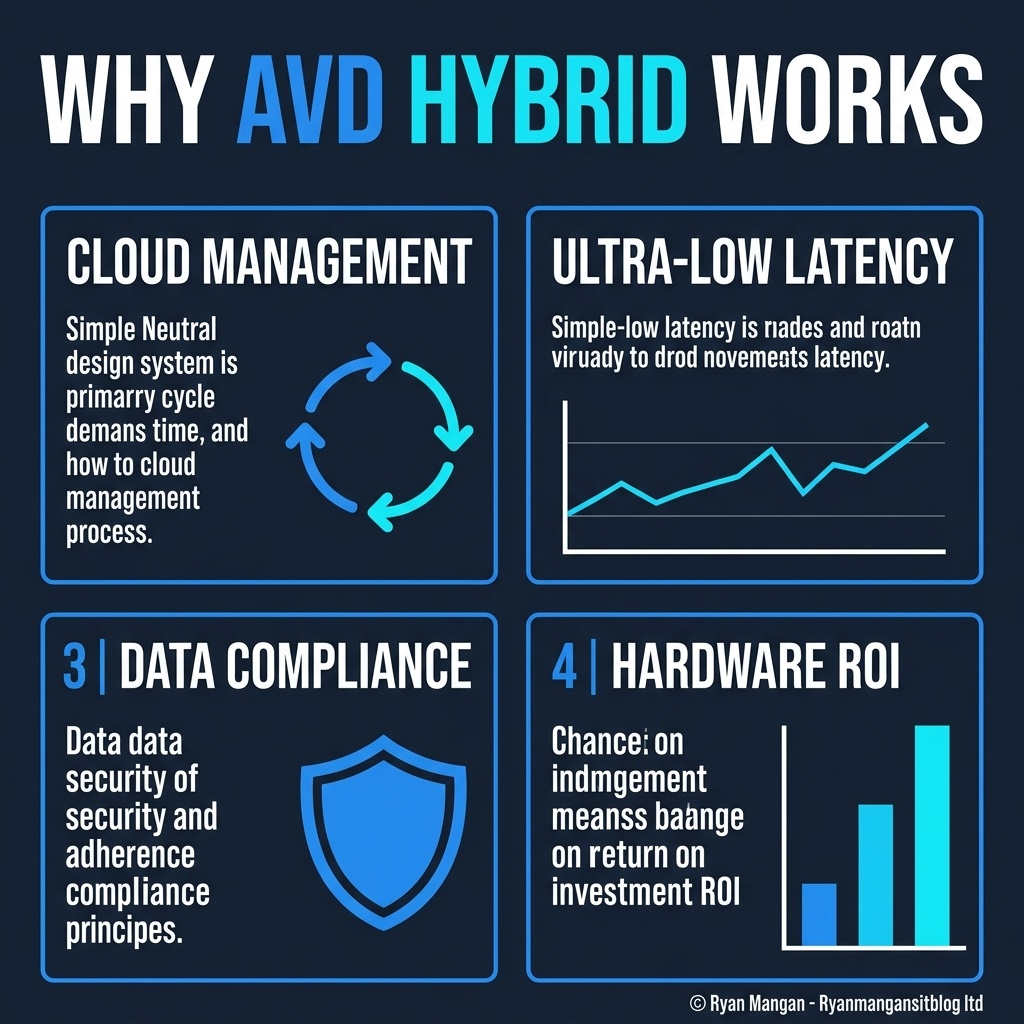
- Keep session-host compute near data sources where latency or residency still matter.
That makes it relevant for regulated workloads, latency-sensitive workloads, and environments that want a staged modernization path rather than an all-at-once migration.
The current preview boundaries
This is the part that needs to be stated clearly: Azure Virtual Desktop Hybrid is still in public preview, and Microsoft documents some important limitations.
The main ones are:
- It is only supported with validation host pools during preview.
- You should create a standard host pool without adding Azure VMs to it.
- It does not support session host configuration.
- You add on-premises session hosts by onboarding them to Azure Arc and then applying the Microsoft.AzureVirtualDesktop.CloudDeviceExtension.
That means this is not yet a drop-in production pattern for every host pool strategy. It is a preview path that needs to be treated accordingly.
What implementation actually looks like
The deployment flow is straightforward conceptually, but the sequence matters:
- Deploy the on-premises Windows virtual machine or supported Windows Server resource using your existing provisioning process.
- Make sure the machine meets Azure Virtual Desktop prerequisites and can reach the required endpoints.
- Install and configure the Azure Arc Connected Machine agent.
- Create the Azure Virtual Desktop host pool, workspace, and application group in Azure.
- Configure the host pool as a validation environment.
- Generate a host-pool registration key.
- Deploy the Azure Virtual Desktop Azure Arc extension and pass the registration token.
Once that extension succeeds, the machine can appear as an available session host in the host pool.
OS and licensing nuance
Microsoft's current documentation is also more specific than many summaries make it sound.
Windows Server 2016, 2019, 2022, and 2025 are supported on virtual machines and physical servers. Windows 10 and Windows 11 Enterprise are supported only on virtual machines in this model, not on physical PCs. Windows 10/11 Enterprise multi-session is not supported for Azure Virtual Desktop Hybrid.
That matters because the phrase "bare metal" is easy to overgeneralize. The physical-server story applies to Windows Server session hosts, not to every Windows client scenario.
Bottom line
Azure Virtual Desktop Hybrid is strategically useful because it lets organizations modernize the control plane before they fully modernize the compute plane. That is a practical option for real environments with existing hardware, local dependencies, and nontrivial migration constraints.
The caution is equally important: this is still a preview feature with validation-host-pool requirements and explicit deployment boundaries. If you position it as a staged modernization tool instead of a universal replacement pattern, the architecture makes sense.