AVD and Windows 365 solve different operating-model problems, so licensing should never be the first decision criterion.
Licensing is rarely the most important factor in a cloud desktop strategy. If you pick Azure Virtual Desktop or Windows 365 only because one appears cheaper on a licensing slide, you usually miss the day-two operating model that will actually determine cost, resiliency, and support effort.
Azure Virtual Desktop and Windows 365 are not interchangeable VDI products. They answer different design questions, and the right choice normally comes from user segmentation, not from a single enterprise standard.
Start with the operating model
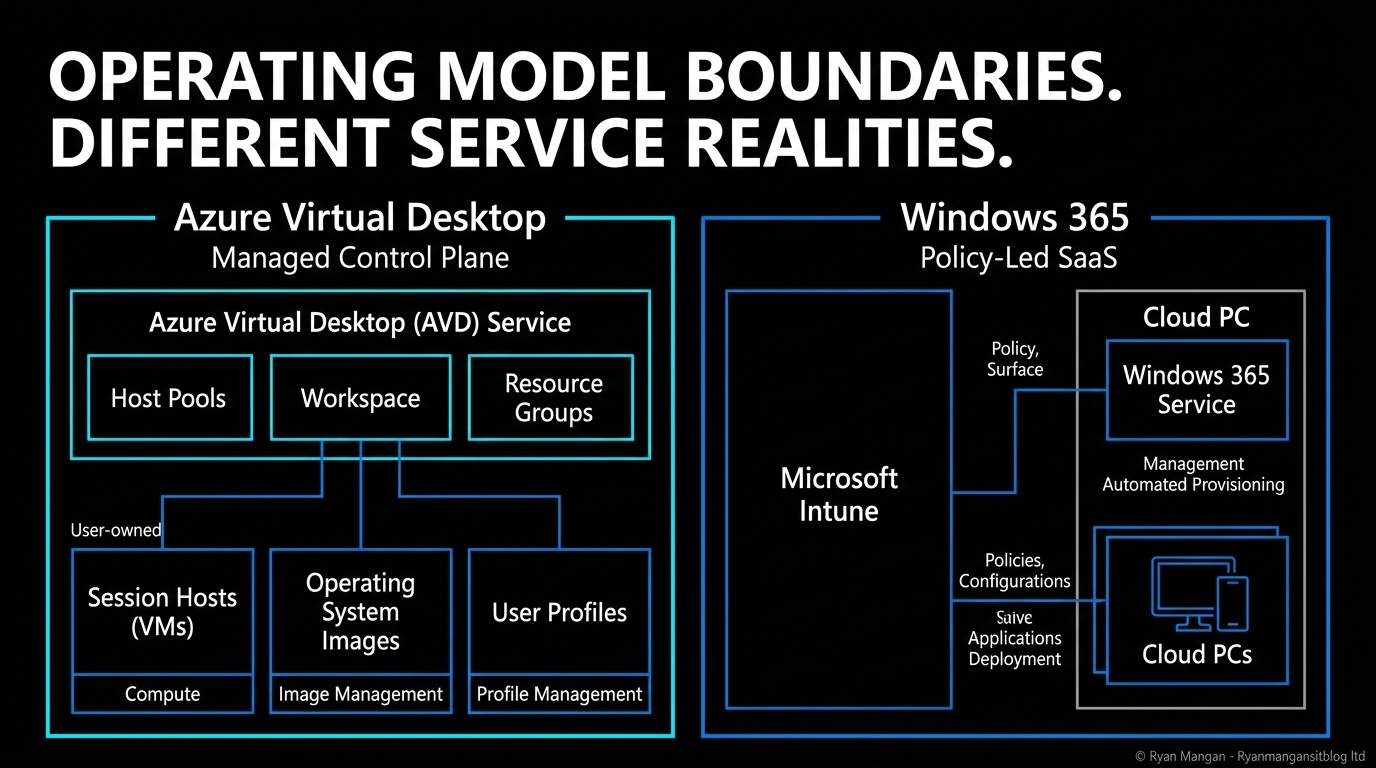
Azure Virtual Desktop is a desktop and app virtualization service on Azure. Microsoft runs the service components such as the gateway and broker, but you still manage the session hosts, images, scaling choices, applications, and much of the operational tuning inside your Azure estate.
Windows 365 is a cloud-based SaaS service that automatically creates Cloud PCs for licensed users through provisioning policies. That shifts more of the operating experience toward policy, provisioning, and endpoint management in Intune rather than classic VDI platform engineering.
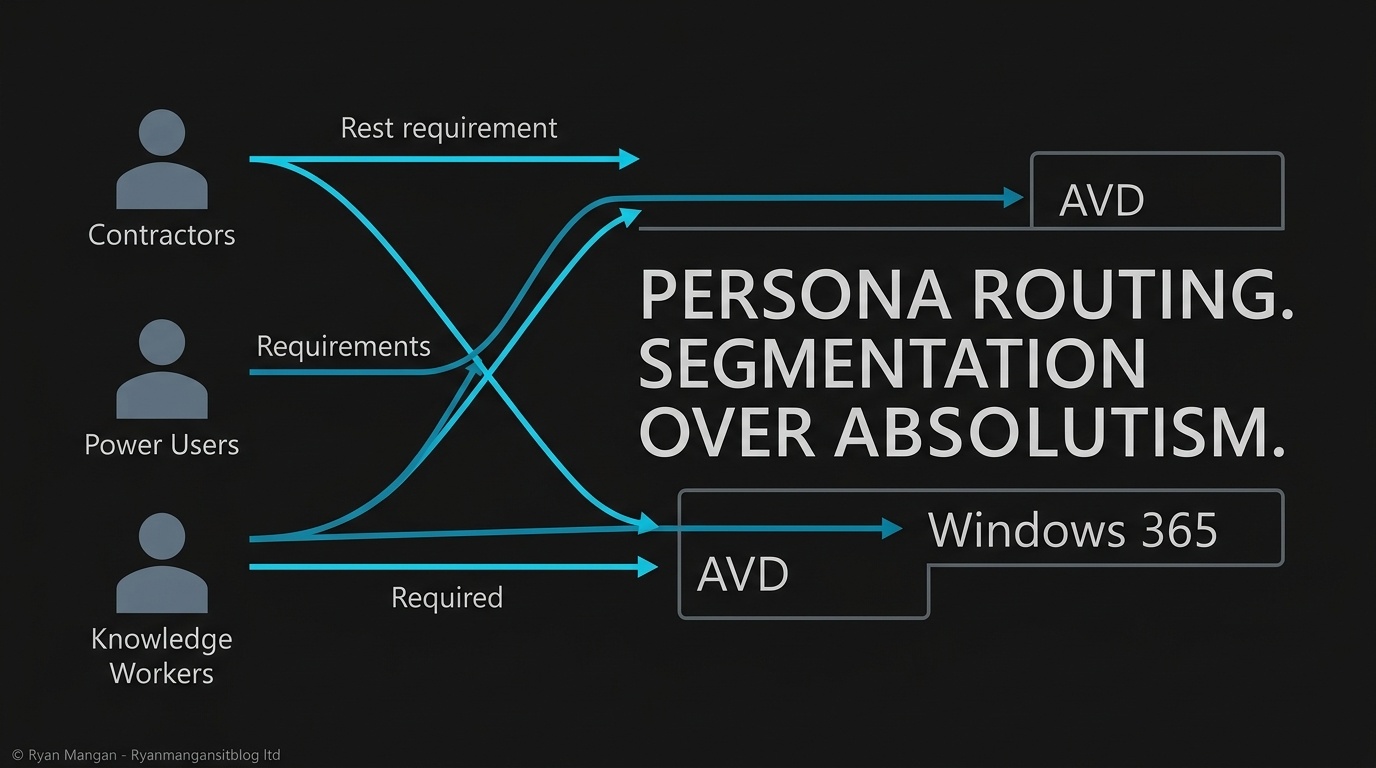
That is the real architectural divide:
- AVD gives you a flexible platform with deep tuning options.
- Windows 365 gives you a managed Cloud PC service with a more opinionated operating model.
The blast radius question matters more than the price sheet
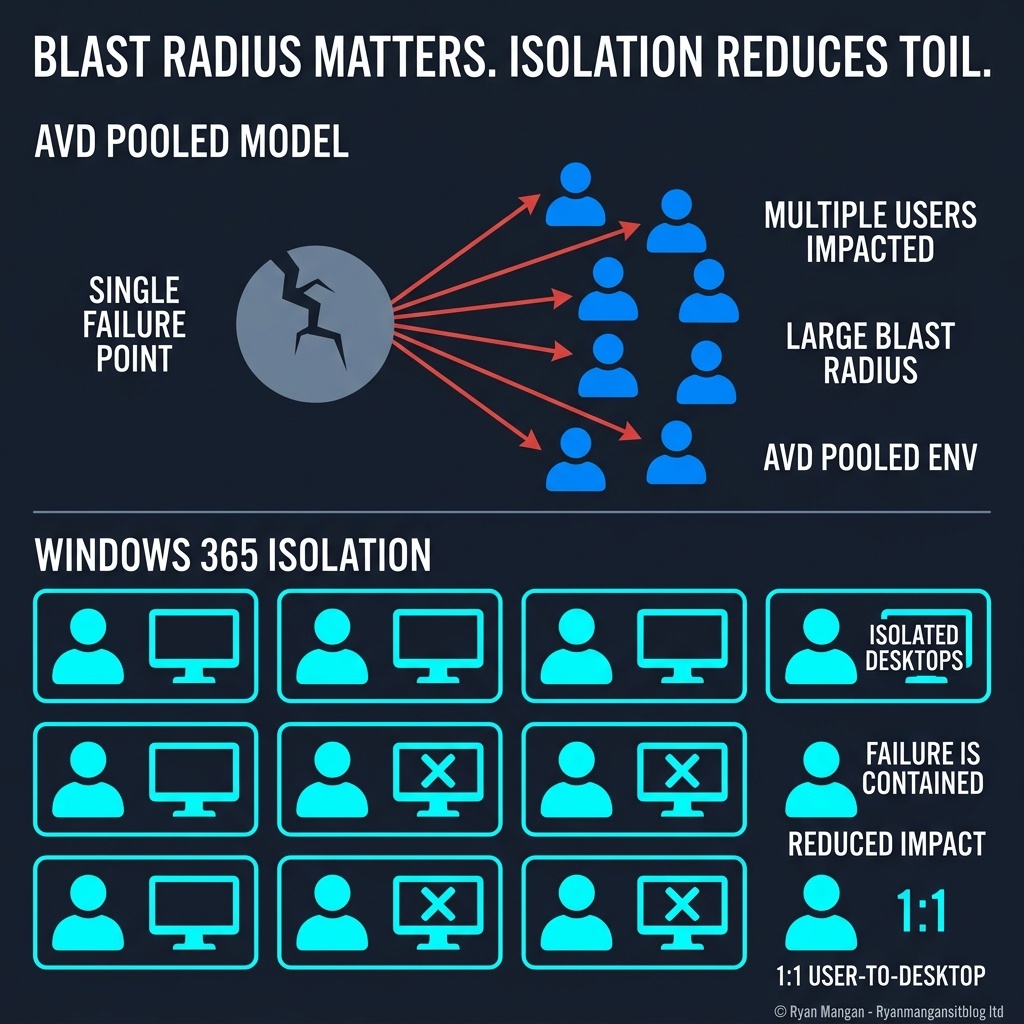
The most useful design lens is failure boundary.
In a pooled AVD environment, multiple users share the same session-host estate. If a host becomes unstable, a profile dependency breaks, or an image issue lands badly, the impact can fan out across many users. That model can be efficient, but it requires engineering discipline and good operational hygiene.
Windows 365 Enterprise changes the failure boundary because each user gets a dedicated Cloud PC. A user issue is more likely to stay at the individual machine boundary rather than immediately becoming a shared-host incident. That does not remove every shared dependency, but it does change the support model materially.
This is why a pure compute comparison is often misleading. Pooled AVD can be very cost-effective, but some of that efficiency is traded for operational complexity. Windows 365 can look more expensive at the unit level while still being the simpler service to run for many user groups.
Where each platform actually fits
AVD is strongest when you need platform flexibility:
- Pooled or personal host pools.
- Full desktops or RemoteApp delivery.
- Multi-session efficiency.
- More direct control over images, VM size, autoscale, and application delivery patterns.
Windows 365 is strongest when you want a more predictable desktop service model:
- Automated Cloud PC provisioning through Intune-backed policies.
- Fixed monthly per-user licensing for human-operated Cloud PCs.
- A simpler endpoint-style management experience.
- Dedicated desktops for users who need lower operational friction.
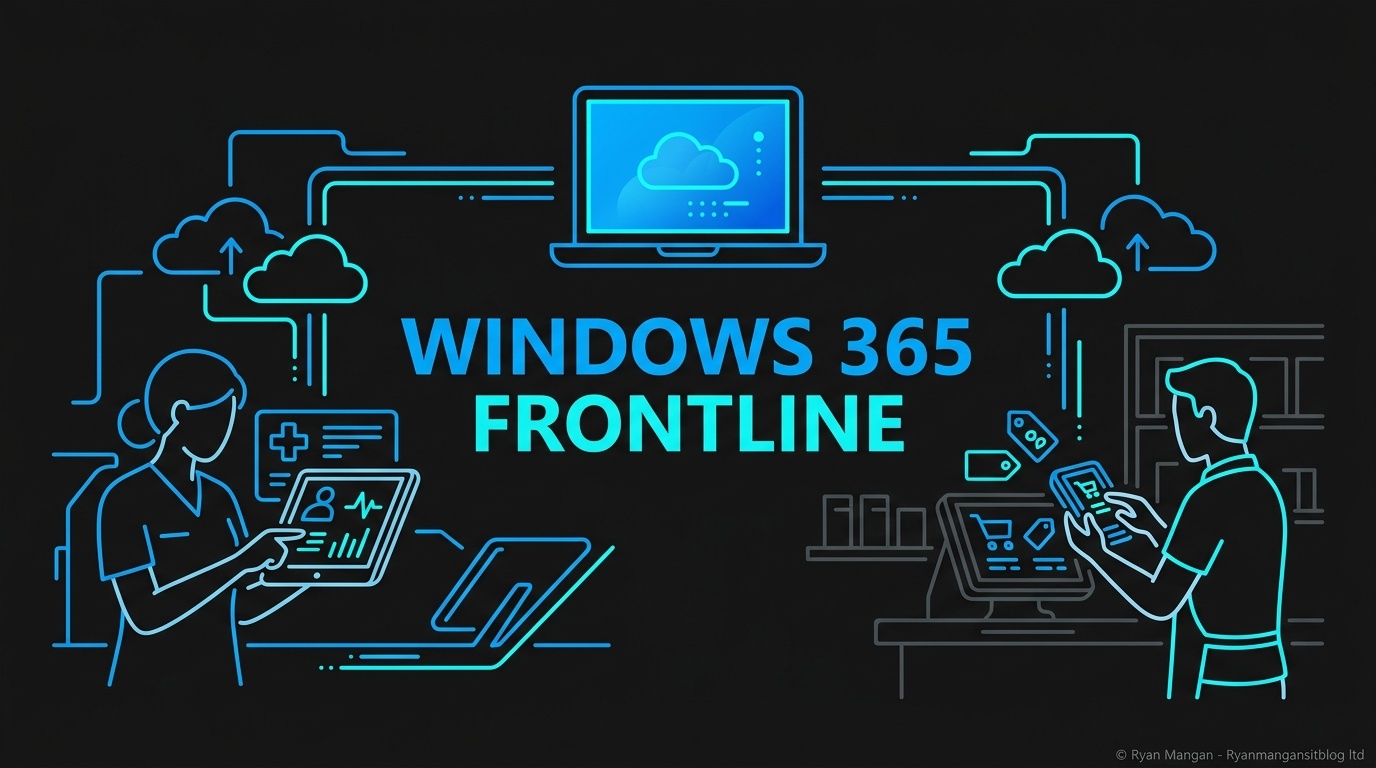
Windows 365 Frontline extends that model for non-concurrent scenarios. In dedicated mode, one license can provision up to three Cloud PCs for non-concurrent use with one active session per license. In shared mode, one license provisions one shared Cloud PC for one concurrent session, with user data deleted when the session ends unless user experience sync is used.
Most enterprises should segment, not standardize blindly
The better pattern is usually to route users by persona.
Use AVD where concurrency, app density, RemoteApp delivery, or deep platform tuning create meaningful value. Use Windows 365 where dedicated user experience, fixed-cost planning, and lower support tolerance matter more.
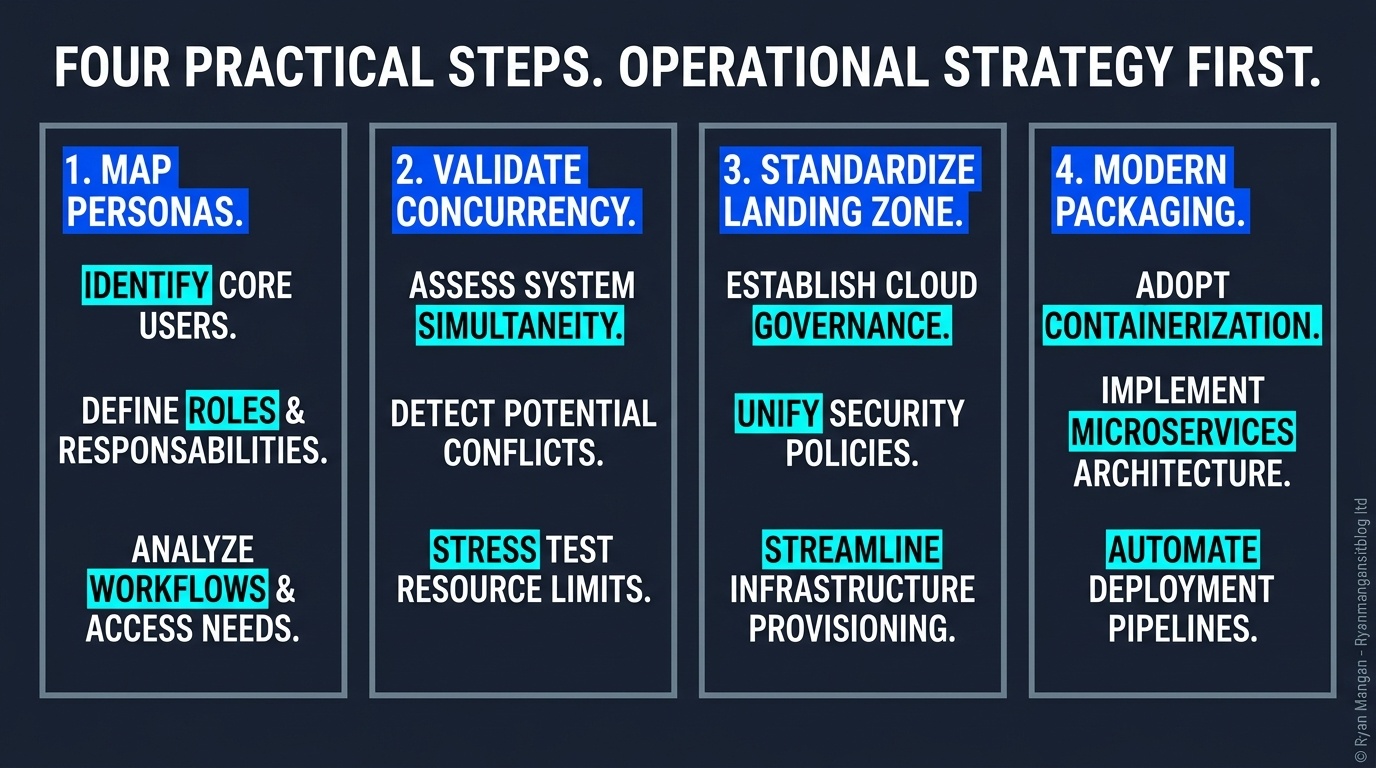
That means:
- Task and app-centric estates often lean toward AVD.
- Knowledge workers, contractors, and low-tolerance support populations often lean toward Windows 365.
- Shift-based workers can be a strong fit for Windows 365 Frontline when non-concurrent access is realistic.
Practical guidance for architects
If you want to choose well, start here:
- Map personas by isolation and persistence needs, not by licensing bundle.
- Measure actual concurrency before assuming pooled density savings.
- Decide how much platform engineering your team can realistically own.
- Standardize images, application packaging, and join patterns so users can move between platforms when needed.
The goal is not to crown a universal winner. The goal is to pick the operating model that your team can support and your users can tolerate.