Windows 365 Reserve is designed for short-term disruption scenarios, not as a general-purpose replacement for Enterprise or Frontline.
Windows 365 Reserve is one of the clearest examples of Microsoft shaping Cloud PCs around a specific business continuity use case rather than general desktop replacement. It is built for people who normally work on physical devices but need fast, short-term Cloud PC access when those devices are unavailable.
That makes it useful, but only if it is positioned accurately.
What Reserve is
Windows 365 Reserve gives a user up to 10 days of Cloud PC access per year under a dedicated license. The target scenarios are disruption events such as:
- Device loss or theft.
- Hardware repair delays.
- Shipping delays.
- Short-term continuity needs after an outage or incident.
This is not the same thing as giving a user a full-time Windows 365 Enterprise Cloud PC, and it is not the same thing as cross-region disaster recovery for an existing Cloud PC estate.
What makes it different
Reserve is intentionally constrained:
- One license is tied to one user.
- The 10-day entitlement is not pooled or shared.
- It is designed for short-term access rather than permanent assignment.
That means the service is best thought of as a continuity option for physical-device users, not as an all-purpose capacity pool.
Important limitations to plan around
This is where accuracy matters most. Reserve has boundaries that affect design decisions:
- It does not support custom images.
- It uses gallery images only.
- It does not support Azure Network Connections or Microsoft Entra hybrid join.
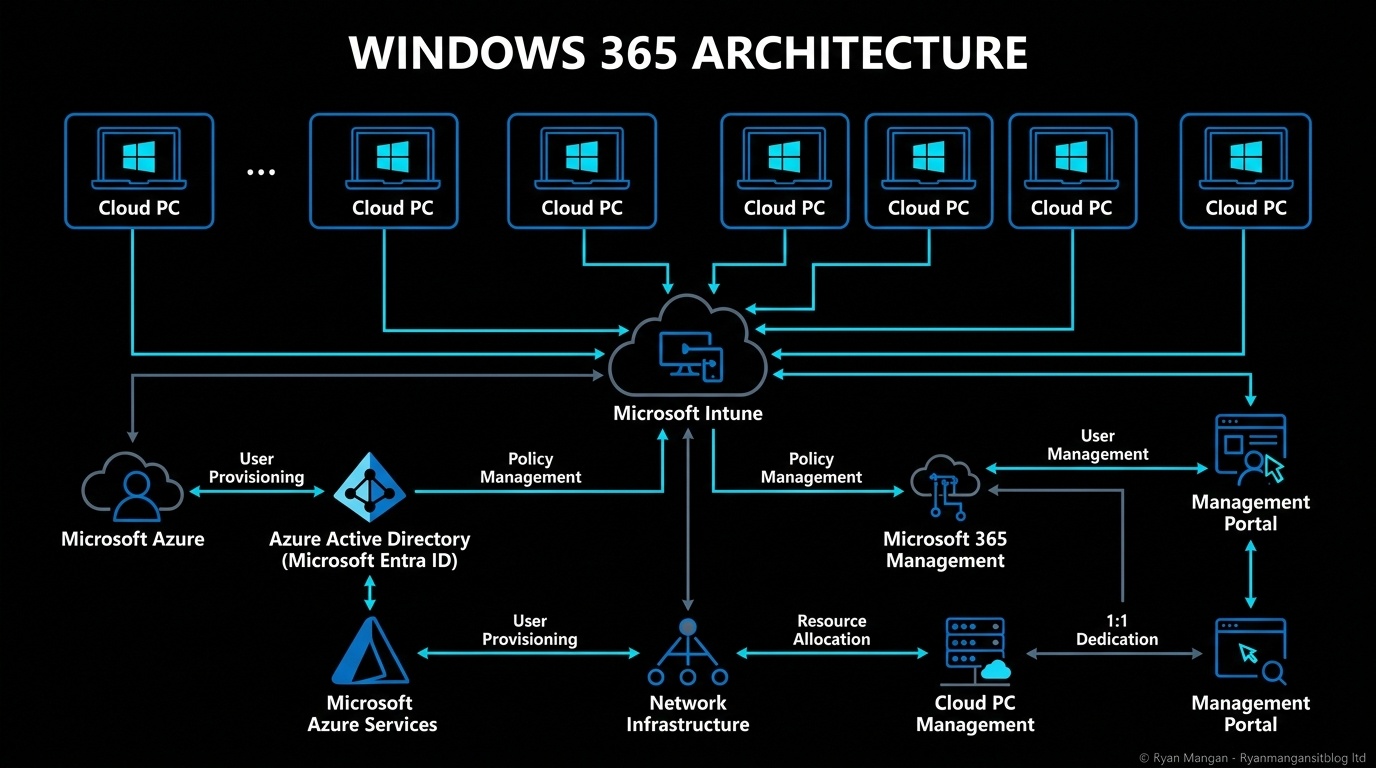
- It is managed through Intune and designed around Microsoft-hosted networking.
- It does not preallocate capacity in advance.
There is also an operational timing detail teams should not miss: for a user's first eligibility window, the Reserve license needs to be assigned in advance. You cannot wait for the incident and assume instant first-time provisioning.

Reserve versus cross-region disaster recovery
These two features solve different problems.
Use Reserve when the user's primary problem is loss of the physical endpoint.
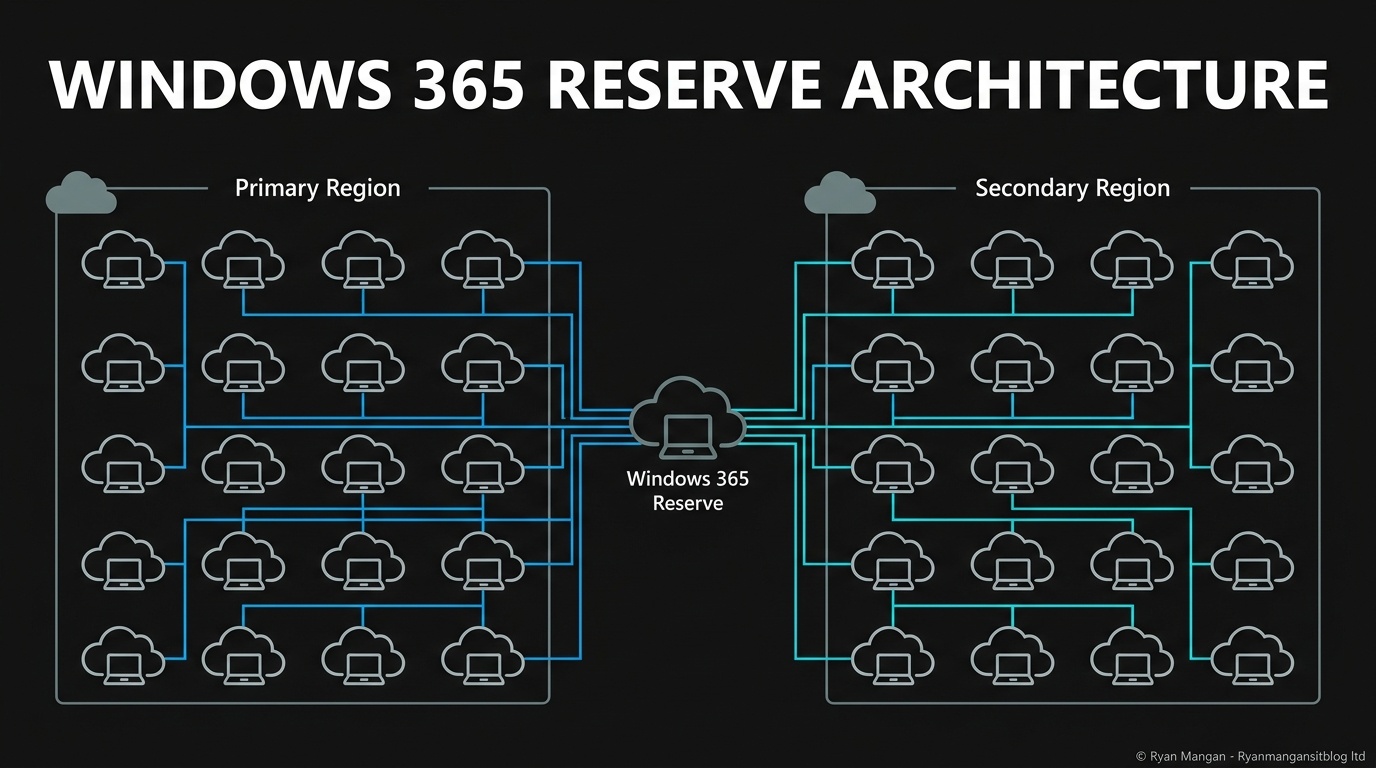
Use Cross-region Disaster Recovery when the problem is regional disruption affecting existing Windows 365 Enterprise or Frontline Cloud PCs.
If you mix those up, you risk buying the wrong continuity model.
Where Reserve fits well
Reserve is a strong fit when you have users who:
- Primarily work from physical PCs.
- Need a secure fallback workspace.
- Can work effectively from a standard Windows 11 image and corporate policy baseline.
- Do not need a customized long-term Cloud PC.
It is less compelling if your continuity model depends on custom images, hybrid join, or highly tailored network integration.
Bottom line
Windows 365 Reserve is not a general desktop platform. It is a short-duration recovery mechanism for a specific business continuity scenario. If you treat it that way, it is easy to understand and easy to justify.
If you try to force it into roles better served by Enterprise, Frontline, or cross-region DR, the limitations become the story.