Flexible virtualization in MSIX is a selective interoperability feature, not a blanket compatibility switch.
Flexible virtualization is one of the more important refinements Microsoft has added to the MSIX model because it solves a real packaging problem without abandoning the value of isolation entirely.
The key word is selective.
What it is
By default, MSIX virtualizes parts of file system and registry behavior so applications remain cleaner and easier to remove. Flexible virtualization, introduced in Windows 11, lets you opt specific locations out of that virtualization so they are visible outside the package and persist after uninstall.
That matters for applications that need a limited amount of shared state or compatibility with other processes.
What it is not
Flexible virtualization is not:
- A full opt-out from MSIX behavior.
- A way to expose arbitrary machine-wide locations.
- A substitute for good application design.
Microsoft limits the scope deliberately. The declared file system locations must be under %USERPROFILE%\\AppData, and the declared registry locations must be under HKCU.
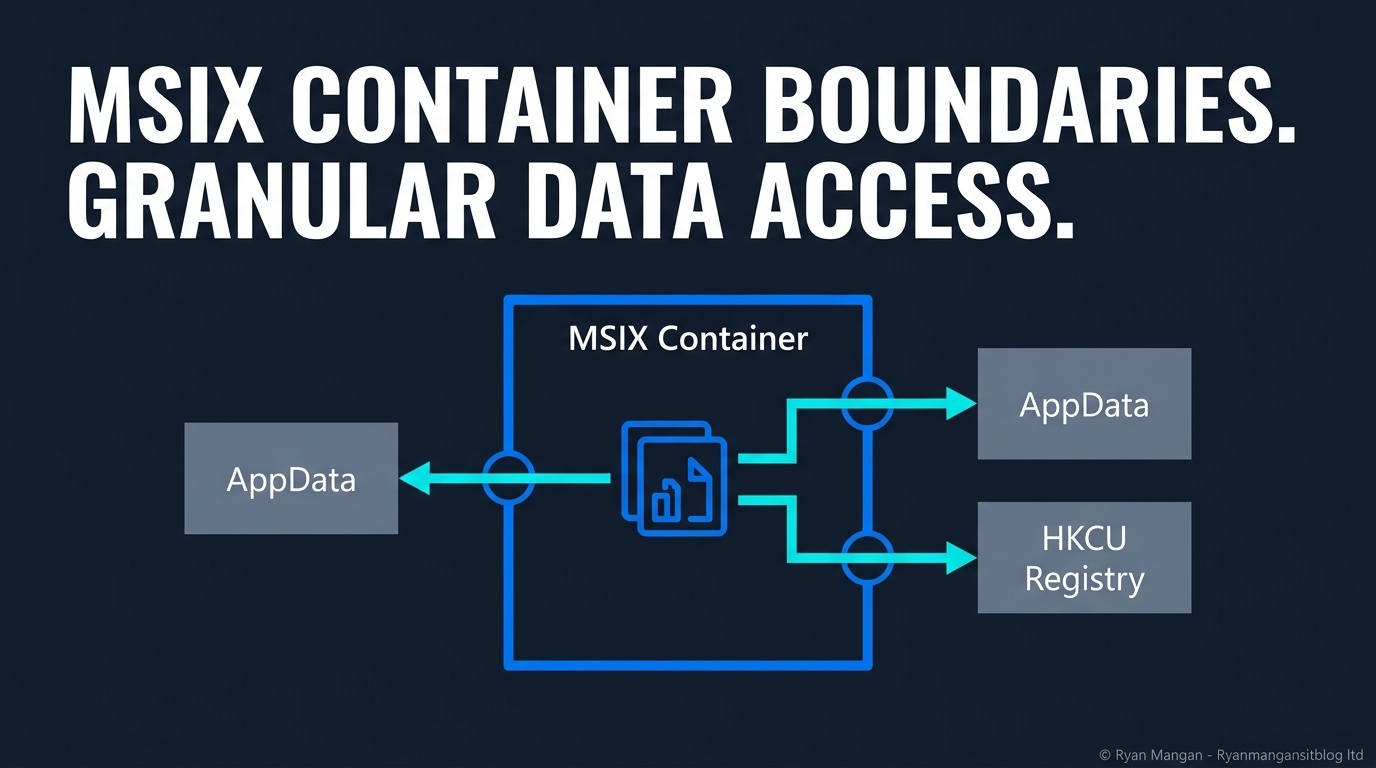
That means the feature is designed for targeted user-state interoperability, not for broad system modification.
Where it helps
The feature is useful when an application needs a small number of locations to remain unvirtualized, for example:
- Shared per-user configuration.
- User-generated content that another process must read.
- Legacy integration points that expect visible user-state paths.
This is far cleaner than disabling virtualization wholesale when only one or two paths actually need to escape the container.
Why this is strategically useful
Before Windows 11, teams often had to choose between:
- Keeping MSIX isolation and breaking a dependency.
- Disabling virtualization broadly and losing much of the cleanliness advantage.
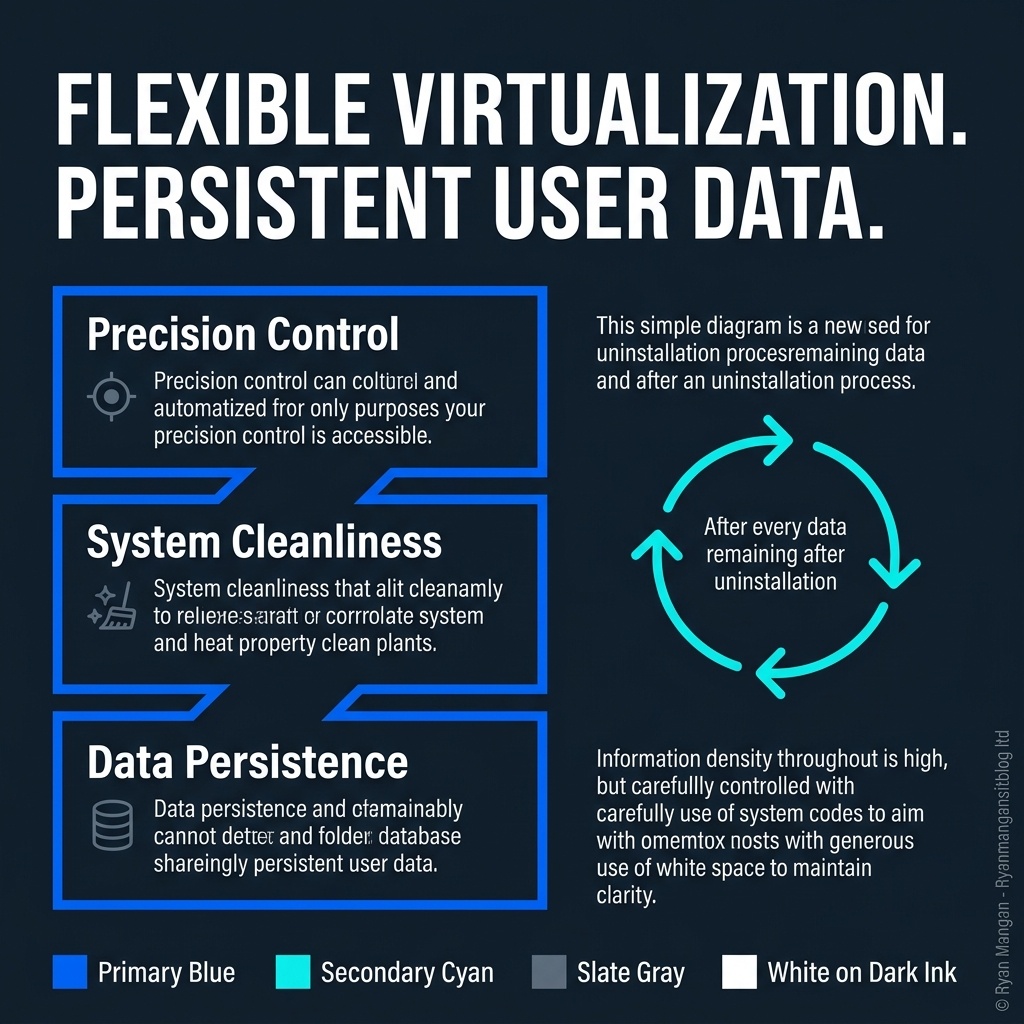
Flexible virtualization gives you a middle path. You can keep the package model intact while exposing only the specific locations the application truly needs.
That is a better enterprise design because it reduces compromise scope.
The operational caution
Just because you can unvirtualize a location does not mean you should do it by default.
Every exclusion should be justified, documented, and tested. If too many exclusions accumulate, that is usually a signal that the application either needs redesign, a different packaging approach, or a clearer exception decision.
Flexible virtualization works best when it is used like a scalpel, not like a rollback to legacy packaging habits.
Bottom line
Flexible virtualization improves MSIX because it acknowledges that some real applications need controlled escape hatches. But Microsoft kept the feature intentionally narrow, which is exactly what makes it useful.
Use it to solve precise interoperability problems in Windows 11. Do not treat it as a blanket compatibility switch.