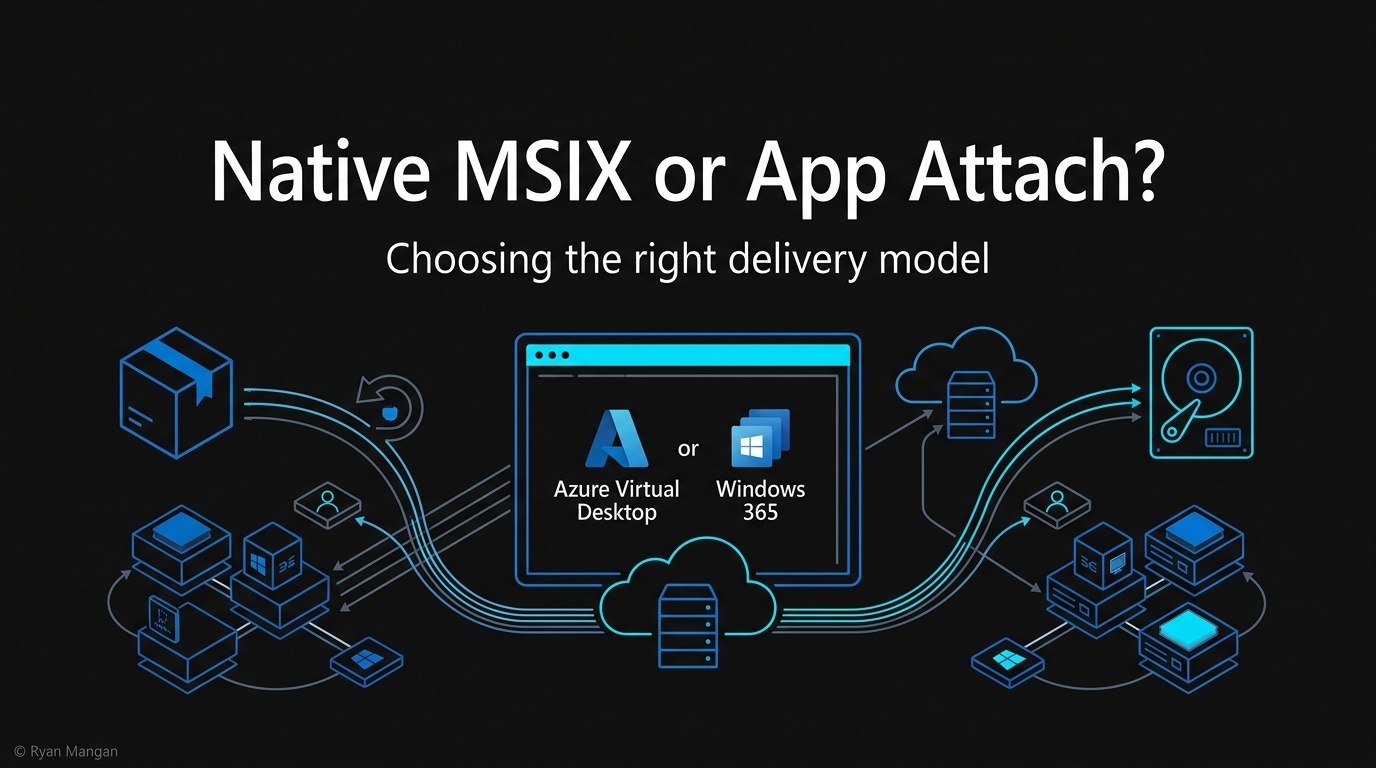
Windows 365 Frontline becomes Flex, Business gets a 20 percent price cut, and AVD Hybrid extends the Azure control plane to on-premises session hosts. A look at the new shape of cloud endpoint strategy.
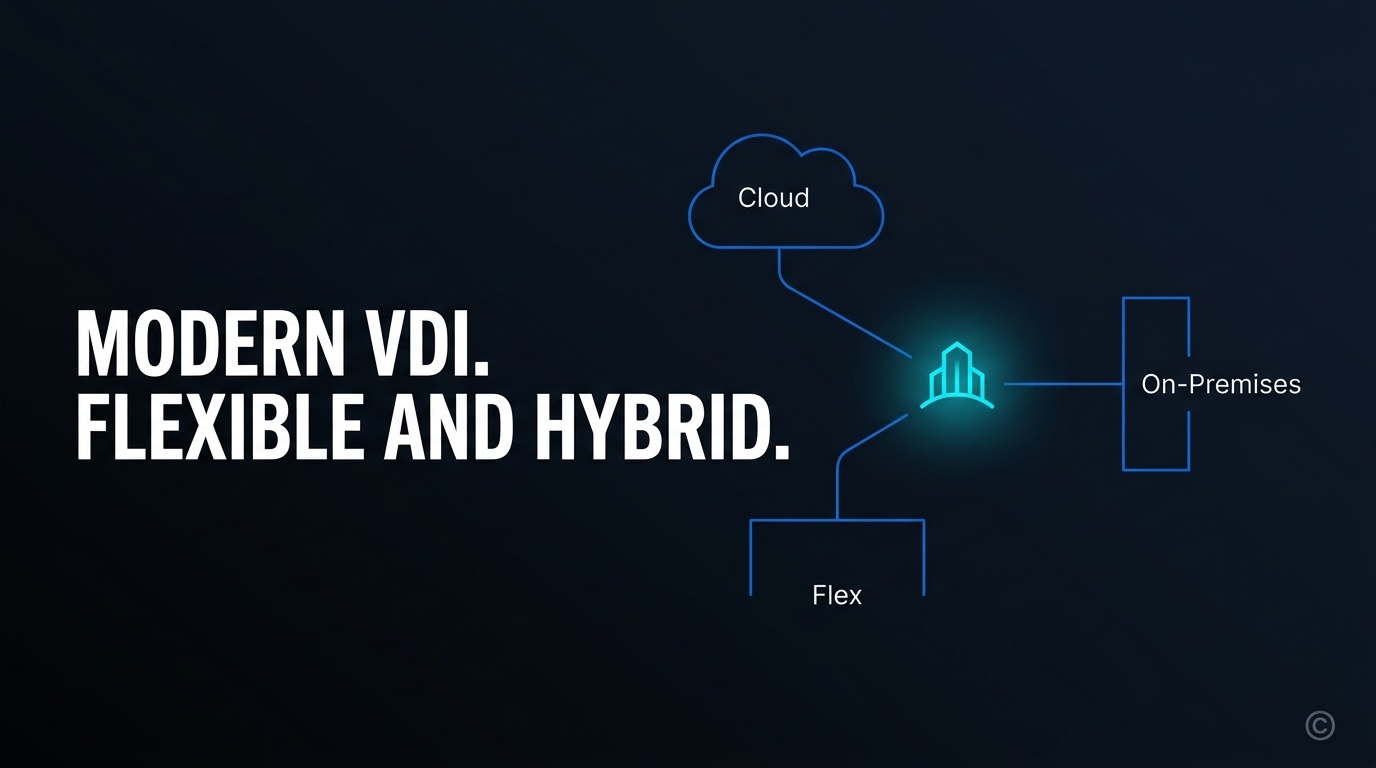
The landscape of cloud-delivered Windows is shifting from a niche remote-work solution to a core architectural pillar for modern enterprise environments. As an architect, I have watched the evolution of Desktop as a Service (DaaS) move through various phases of maturity. We are now entering a phase where the focus is shifting toward granular flexibility and hybrid consistency. Recent updates to the Microsoft cloud PC portfolio, particularly the transition of Windows 365 Frontline to Windows 365 Flex and the introduction of Azure Virtual Desktop Hybrid, signal a significant change in how we design and deploy end-user computing (EUC) strategies.
In this article I break down these changes, the shift in naming conventions, and the technical implications of the new hybrid capabilities for Azure Virtual Desktop.
What: the core updates to the Microsoft cloud PC portfolio
To understand the current state of the technology, look at three specific pillars of the recent announcement.
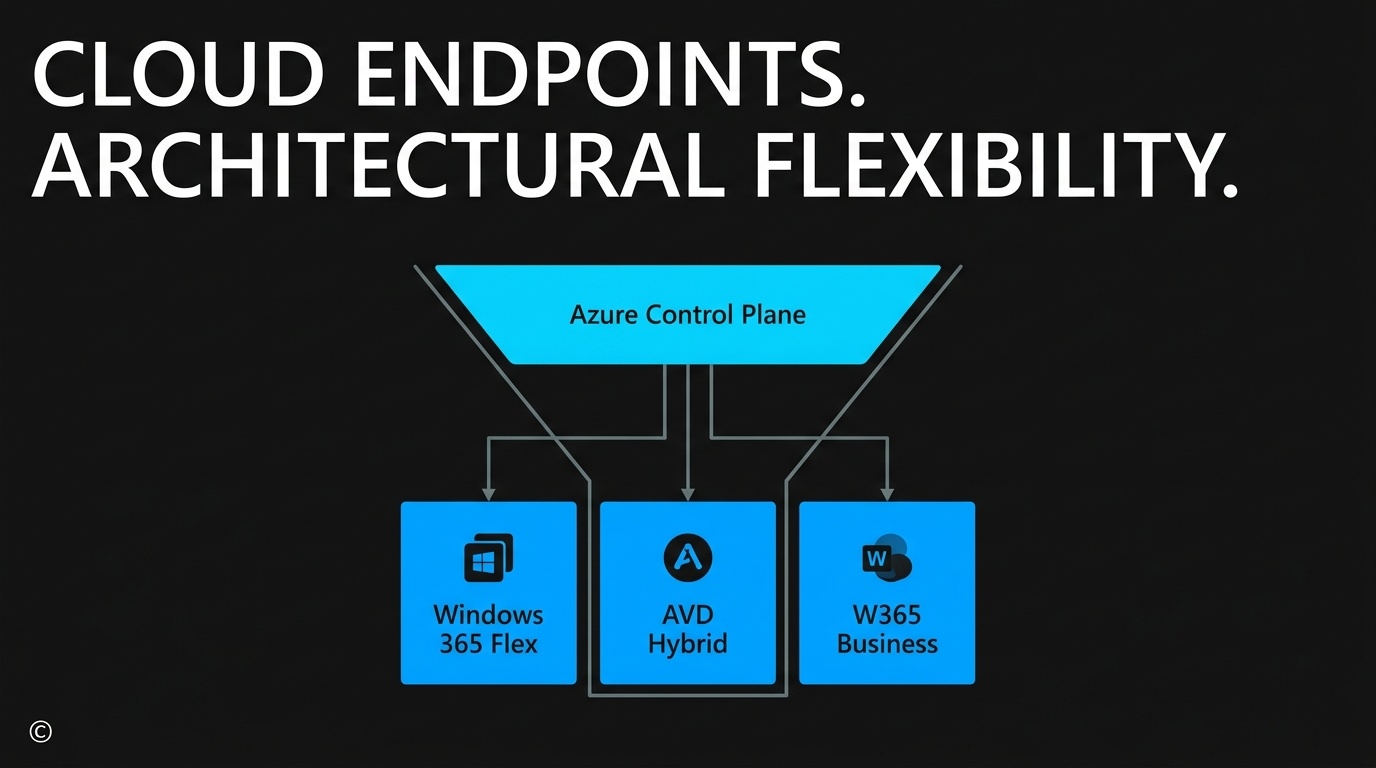
First, Windows 365 Frontline has been rebranded as Windows 365 Flex. This is more than a marketing exercise. It represents an expansion of the service's intended use cases, moving beyond shift workers to include any employee who does not require a 1:1 dedicated device, such as contractors, seasonal staff, or developers needing temporary environments.
Second, Microsoft has introduced a significant 20 percent price reduction for Windows 365 Business. This is aimed at lowering the barrier to entry for organisations with up to 300 seats that require a simplified management plane without the overhead of complex licensing requirements.
Third, and perhaps most significant for enterprise architects, is the public preview of Azure Virtual Desktop (AVD) Hybrid. This feature lets organisations run AVD session hosts on-premises using existing hardware and hypervisors, all while being managed through the Azure control plane via Azure Arc.
Why: the strategic value of architectural flexibility
The primary challenge in EUC has always been balancing user experience with cost and compliance. For years, organisations have struggled with the "all or nothing" approach to cloud migration. Some workloads remained trapped on-premises due to latency requirements or data residency laws, while others moved to the cloud, creating fragmented management silos.
The introduction of Windows 365 Flex addresses the economic friction of the dedicated-seat model. In many organisations, a significant portion of the workforce only requires a PC for a fraction of the day. Providing a full, dedicated Cloud PC to those users is often hard to justify on a per-seat basis. By allowing shared access and the ability to reset environments between uses, Flex provides a more efficient way to allocate compute resources.
Azure Virtual Desktop Hybrid solves the "last mile" problem of cloud VDI. It lets us keep the centralised management benefits of the Azure portal while keeping the actual compute (the session hosts) close to the data or the user. That is critical for industries with strict regulatory requirements, or for those running legacy on-premises applications that are sensitive to network latency.
A quick comparison
| Capability | Windows 365 Flex | Windows 365 Enterprise | AVD Hybrid |
|---|---|---|---|
| Tenancy model | Shared, non-dedicated Cloud PC | Dedicated 1:1 Cloud PC | Pooled or personal AVD on-premises |
| Compute location | Microsoft-hosted Azure | Microsoft-hosted Azure | Customer hardware via Azure Arc |
| Best fit | Contractors, shift, seasonal, dev sandboxes | Persistent knowledge workers | Latency-bound, sovereign or hybrid workloads |
| Control plane | Azure / Intune | Azure / Intune | Azure / Intune |
| Identity | Entra ID | Entra ID | Entra ID, hybrid join supported |
How: implementing the new cloud PC architecture
Implementing these updates requires a structured approach to identity, networking, and resource provisioning. Below are the architectural principles and steps for integrating these changes into your environment.
1. Evaluate workload placement for AVD Hybrid
For the Azure Virtual Desktop Hybrid preview, the first step is ensuring your on-premises environment is ready for Azure Arc. You do not need to replace your existing hypervisor: AVD Hybrid is designed to work with your current infrastructure.
- Deploy Azure Arc-enabled servers on your on-premises hardware.
- Ensure the Windows App is deployed to end users, as it serves as the unified gateway for accessing both cloud and on-premises session hosts.
- Configure networking to allow outbound communication to the Azure Virtual Desktop management service while keeping RDP traffic local where possible to reduce latency.
2. Transition from Frontline to Flex licensing
If you are currently using Windows 365 Frontline, the transition to Flex is seamless from a functional standpoint, but you should re-evaluate your provisioning policies.
- Identify user groups that can benefit from shared mode. In this mode, the Cloud PC can be reset to a fresh state after each session, which is ideal for high-turnover environments or kiosks.
- For developers or contractors who need to maintain their state, use the persistent configuration within Flex.
- Use the Microsoft Intune portal to manage these devices alongside your existing Windows 365 Enterprise fleet, keeping a consistent security baseline across all worker types.
3. Optimise SMB costs with Windows 365 Business
For smaller organisations or isolated business units, the 20 percent price drop makes the Cloud PC a much more viable alternative to physical hardware procurement.
- Review your current physical device refresh cycle.
- Deploy Windows 365 Business for users who require a secure, managed environment but do not need the advanced networking (such as VNet integration) provided by the Enterprise edition.
- Leverage the simplified setup process that does not require an Intune licence or a complex Azure subscription setup.
4. Implement Windows 365 Cloud Apps
A notable technical addition within the Flex framework is Windows 365 Cloud Apps, which lets you provide an app-only experience.
- Instead of provisioning a full desktop, use Cloud Apps to deliver specific line-of-business applications to users.
- This reduces the compute footprint and simplifies the user interface for task-oriented workers who only need one or two specific tools.
Analysis: beyond the branding
The shift from "Frontline" to "Flex" is a subtle but important acknowledgement of how the modern workforce operates. The term "Frontline" often implied a specific type of blue-collar or service-oriented worker. The need for non-dedicated, high-performance compute extends well beyond that. A developer might need a high-spec machine for three hours of compiling, or a seasonal auditor might need a secure environment for one month of the year. "Flex" captures that reality far better.
From a technical perspective, the Azure Virtual Desktop Hybrid announcement is the most impactful for those of us managing large-scale infrastructure. The ability to use existing hardware while leveraging the modern Azure management stack, including Entra ID (formerly Azure AD) and Intune, removes the need to maintain legacy on-premises VDI brokers and gateways. That reduces the operational burden on IT teams while providing a clear, phased path toward full cloud adoption.
It is also worth noting that the price reduction for Windows 365 Business is a clear move to compete with traditional hardware costs. When you factor in the reduced support overhead and the security benefits of a cloud-hosted OS, the total cost of ownership (TCO) for a Cloud PC is becoming increasingly difficult to ignore, even for smaller organisations.
Summary and next steps
The updates to Windows 365 and Azure Virtual Desktop reflect a maturing ecosystem that prioritises choice over prescription. Whether it is the cost-efficiency of Windows 365 Flex for periodic users, the simplified entry point for SMBs, or the hybrid flexibility of AVD for complex enterprise requirements, the goal is to provide a consistent Windows experience regardless of where the compute resides.
If you are currently managing a virtualisation environment, audit your user base to see where the Flex model could replace underutilised dedicated licences. If you have on-premises workloads that have resisted cloud migration, now is the time to test the AVD Hybrid public preview.
For further reading and the original announcement, see Windows 365 and Azure Virtual Desktop: expanding access on the Microsoft Tech Community.
How are you planning to balance your on-premises hardware investments with the increasing demand for cloud-managed desktops? Have you identified specific user groups that would benefit more from a Flex model than a dedicated seat? I would be interested to hear your thoughts on these architectural shifts.