This post will show you how to publish a 2008 R2 Remote Desktop Session in Remote Desktop Services 2012 (R2).
Categories
MicrosoftRds 2012
Tags
Desktop SessionRd Session Host Server TabRdsRds12Rds2008 R2Remote DesktopRemote Desktop ConnectionRemote Desktop ServicesRemote Desktop Services 2012Remote Desktop Session
This post will show you how to publish a 2008 R2 Remote Desktop Session in Remote Desktop Services 2012 (R2).
For information on Deploying a RDSH 2008R2 Server in a Server 2012 environment (Click Here)
Publishing a Remote Desktop Session 2008R2
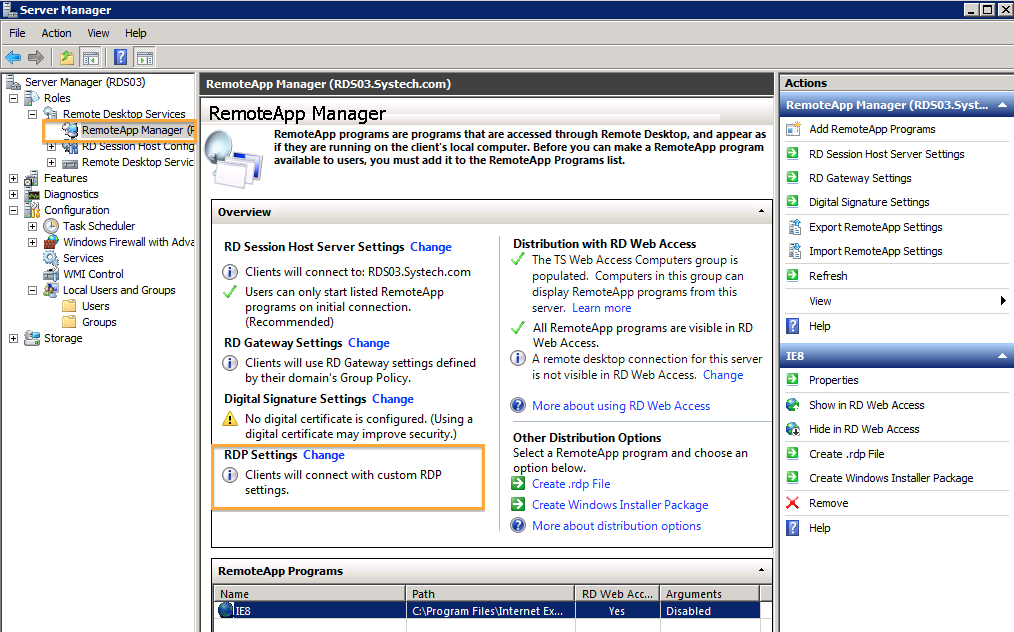
To enable the Desktop Session, you will need to change the RDP Settings located under Remote App Manager.
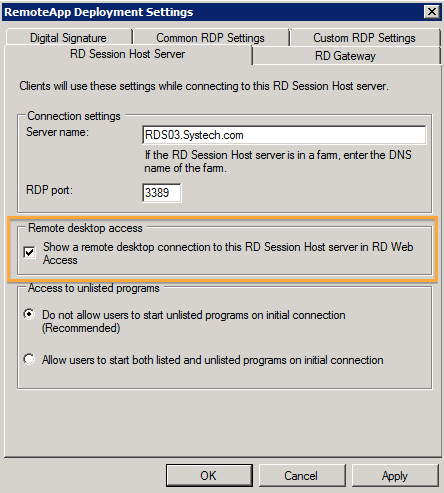
Navigate to the RD Session Host Server Tab and select the "Show a remote desktop connection to this RD Session Host server in RD Web Access.
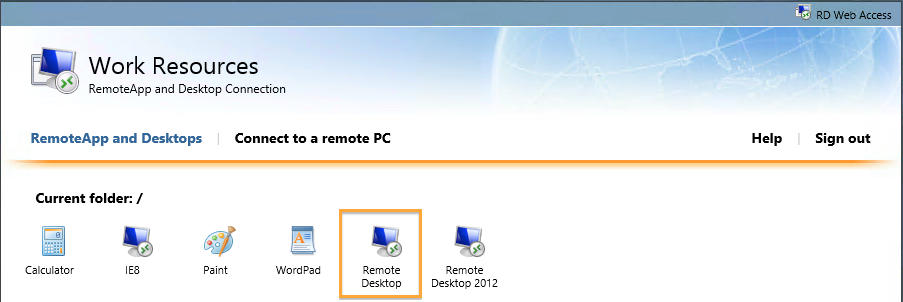
As you can see from the screenshot, a new Remote Desktop Connection Icon appears.
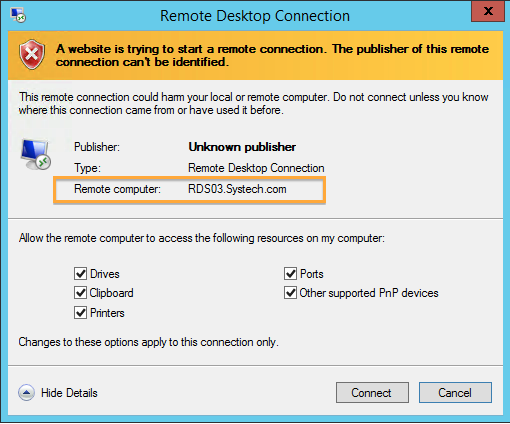
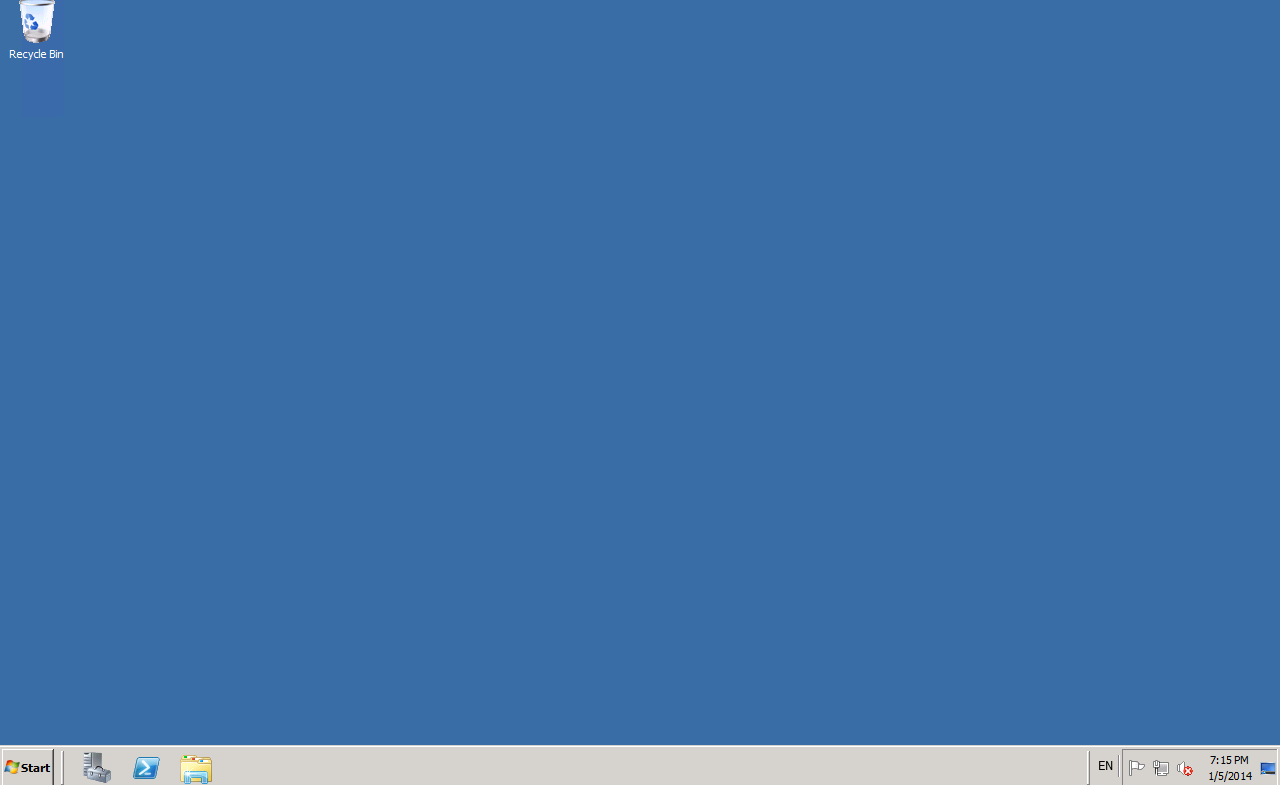
There you have it, RDS 2008 Session Desktop Sessions on RDS 2012.