Creating and configuring a remote desktop Session collection for Remote Desktop Services
In this post, I will be showing you how to create a Remote Desktop Session Collection. Before you are able to create a Desktop Session connection you will need to have installed the Remote Desktop Services Roles as shown in the previous post on deploying an RDS 2012 single-server session-based deployment.
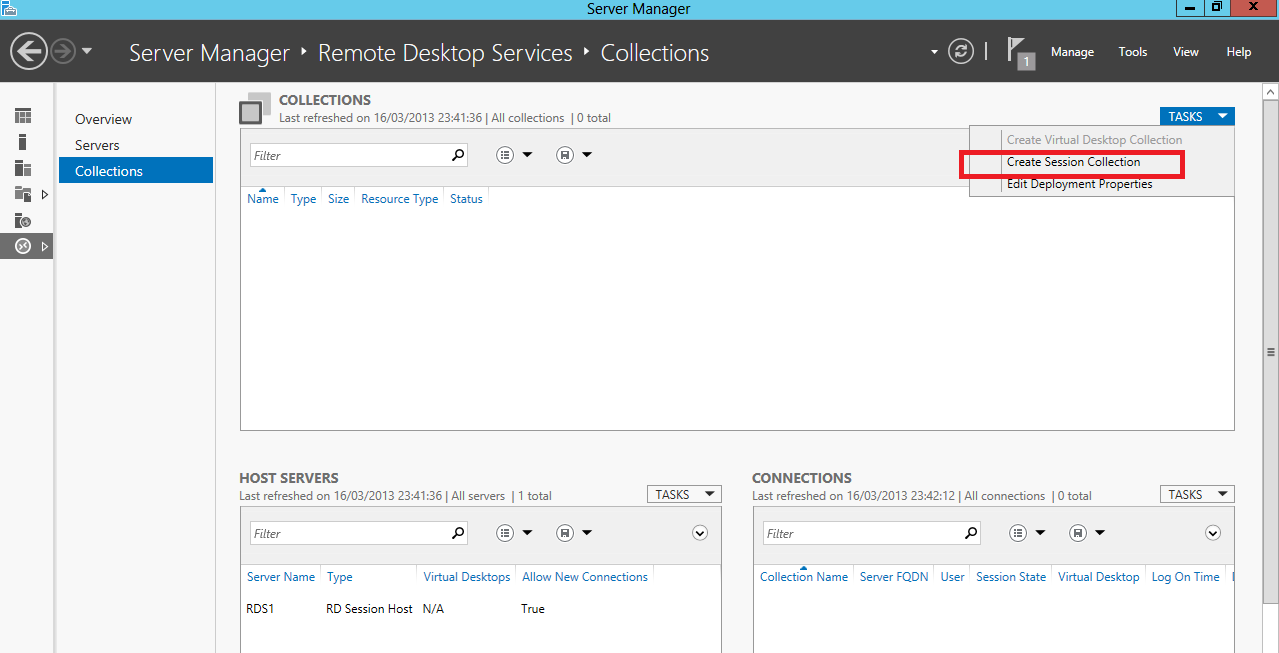
Tasks > Create Session Collection
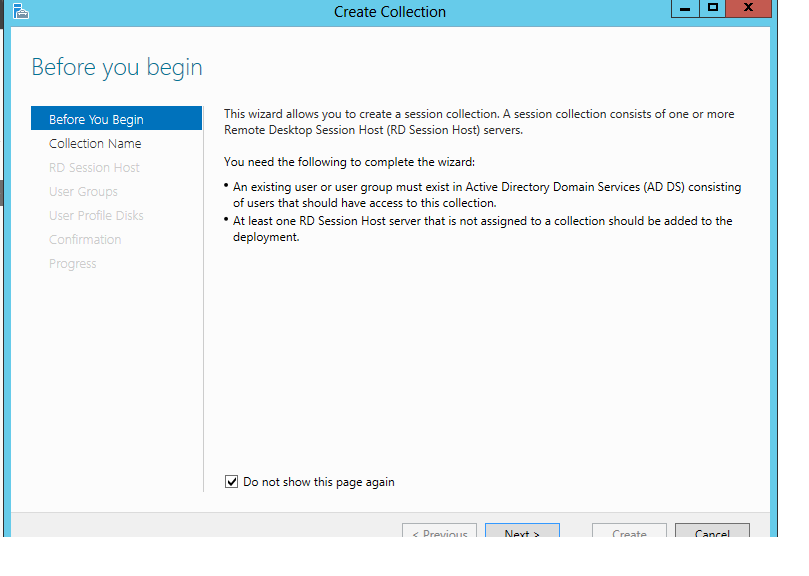
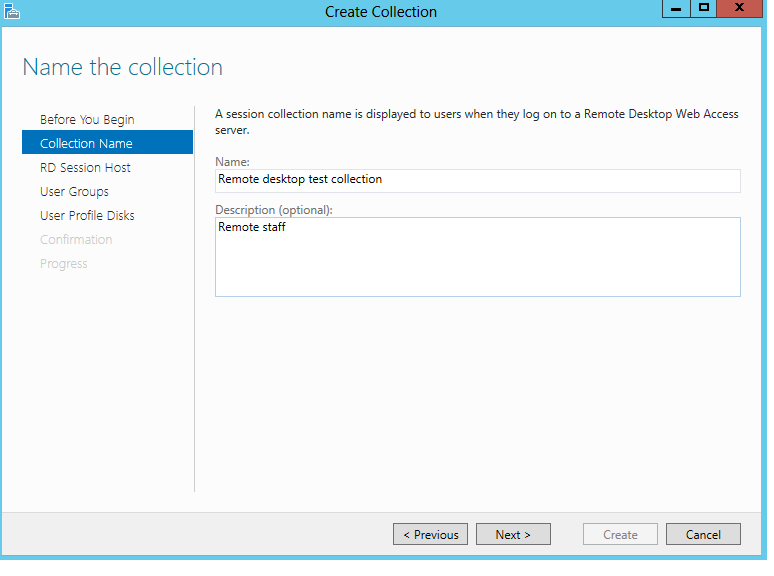
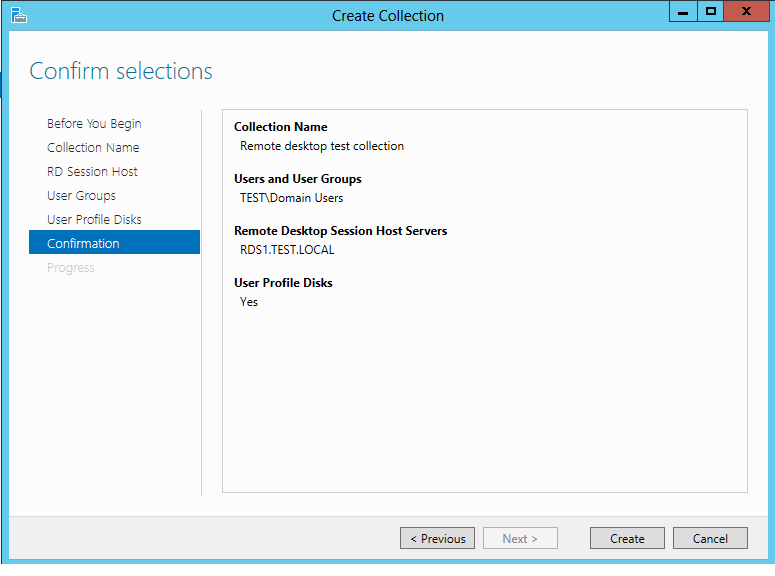
Enter collection name and descripton.
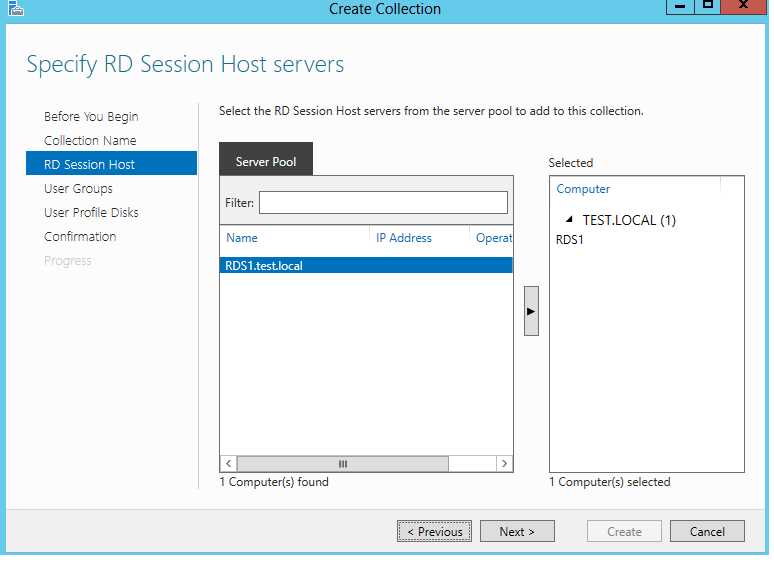
Add the Session Host servers to the collection.
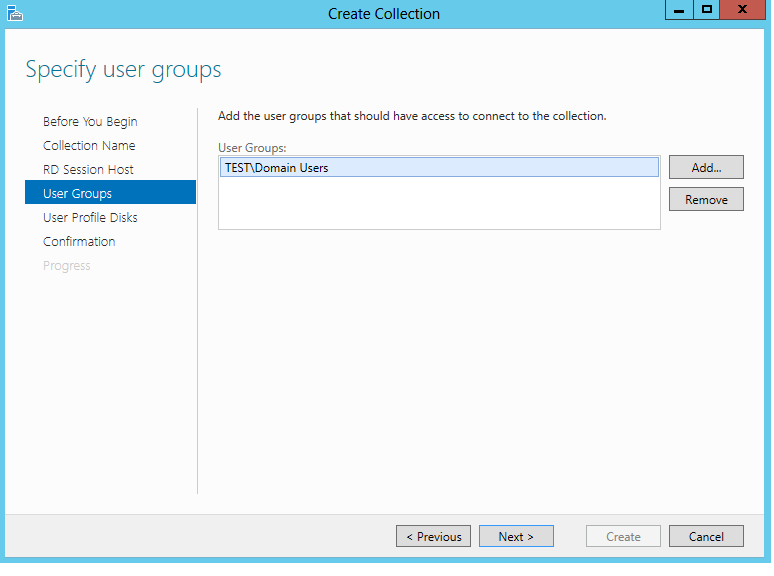
specify the user group that require access.
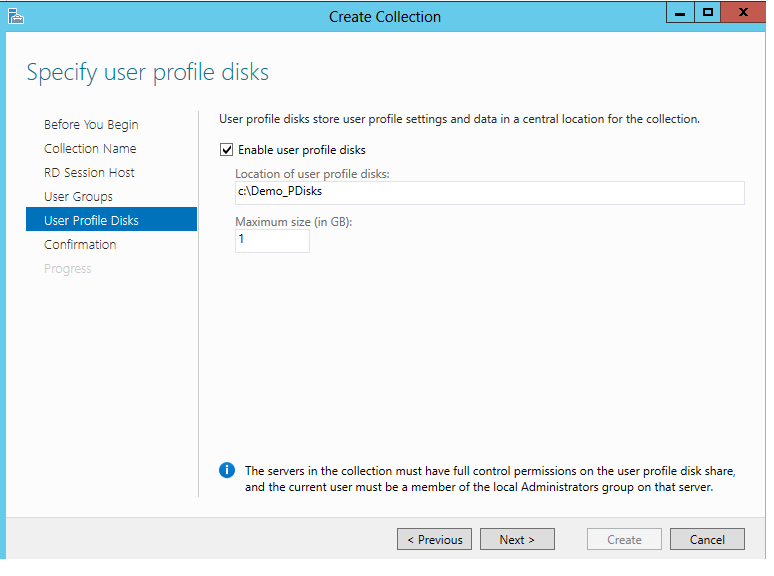
Specify a location for the profile disks and Maximum size, if you are wanting to use UPD's. In this demonstration I will be using a local directory, but for production environments i would recommended to use a file share.