RDS AAD Auth gives Windows 365 a token-based SSO flow, but hybrid access still needs proper Kerberos trust design.
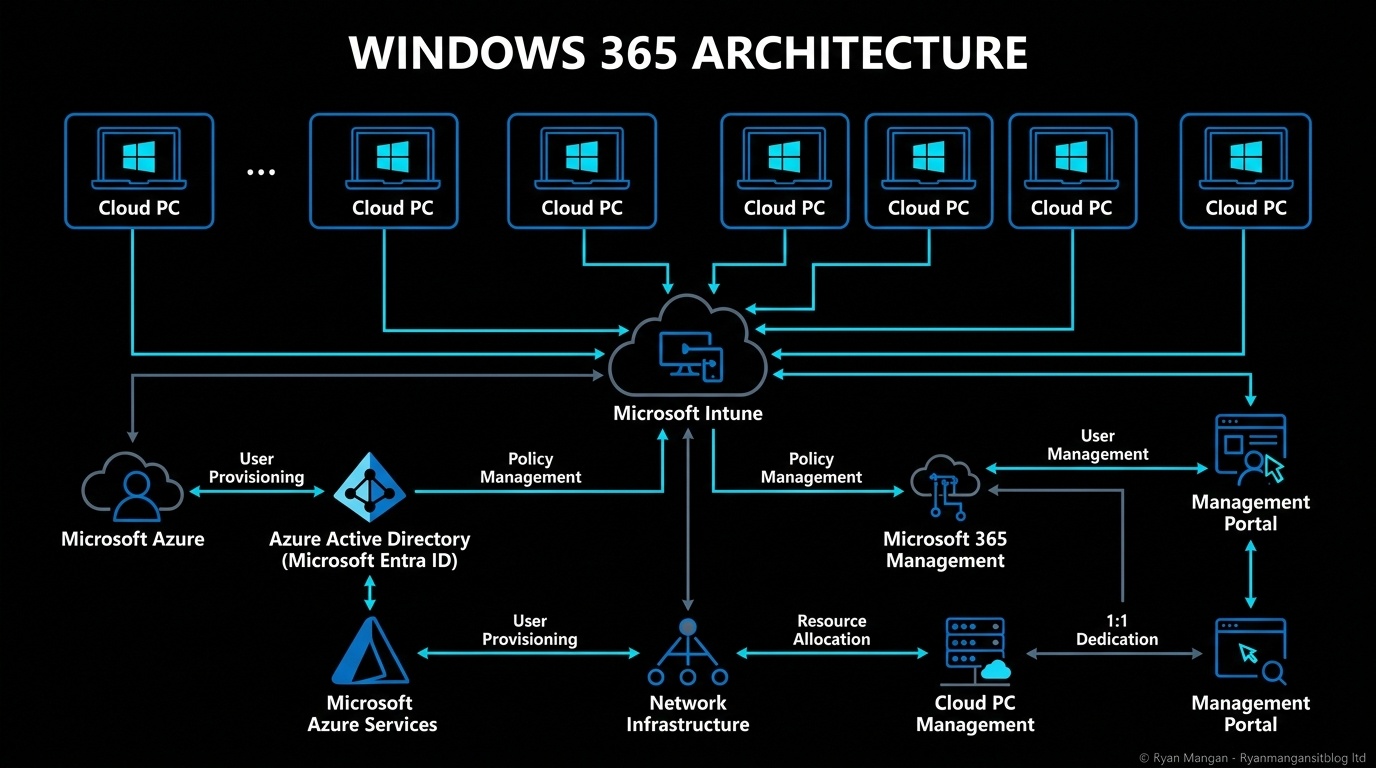
RDS AAD Auth is the protocol that makes Windows 365 single sign-on feel like a modern cloud service instead of a bolted-on remote desktop experience. Microsoft describes it as a Remote Desktop authentication protocol integrated with Microsoft Entra ID, using token-based authentication rather than older credential flows.
That is important because it changes both the user experience and the security model.
What it does
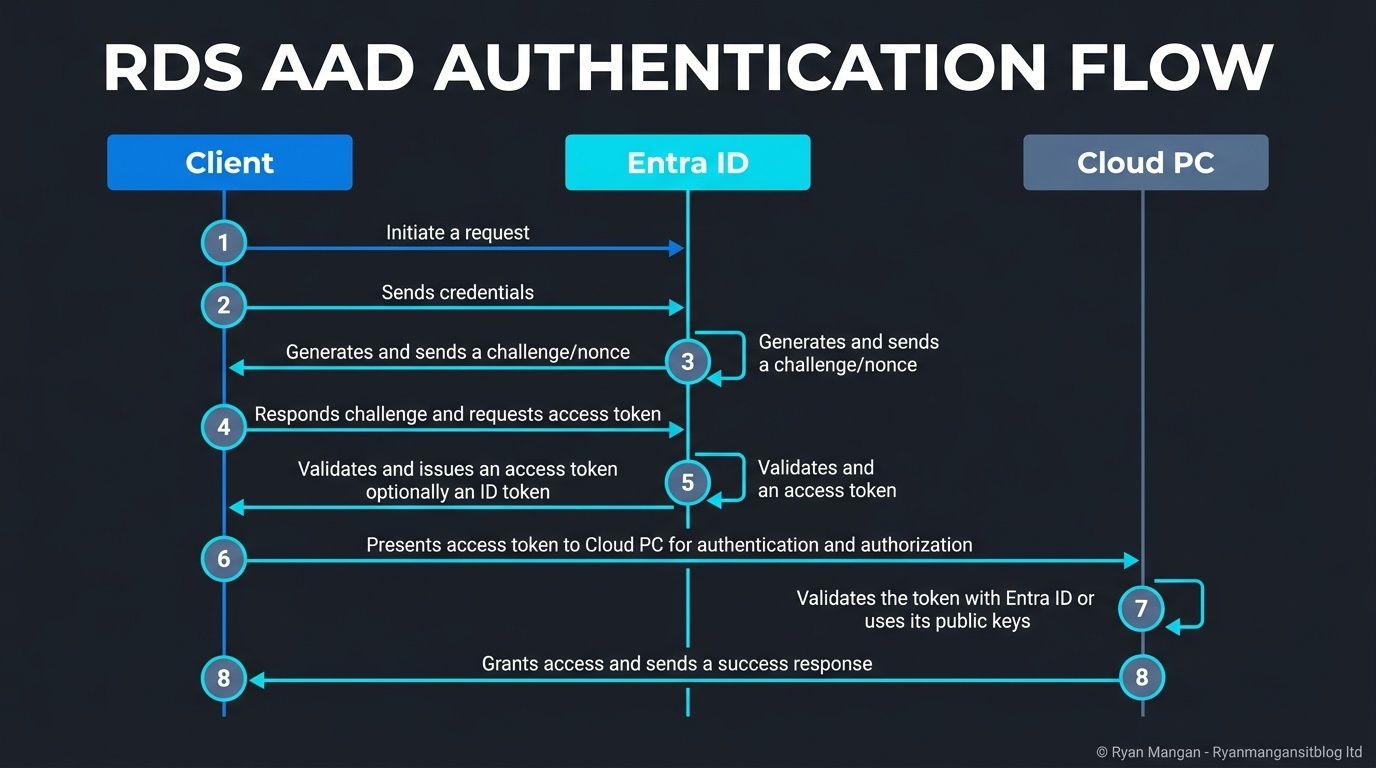
When SSO is enabled for Windows 365, RDS AAD Auth becomes the default authentication method. The user signs in with Microsoft Entra ID, and the protocol handles the remote sign-in flow into the Cloud PC using Entra-based tokens and device-aware checks.
The practical benefits are:
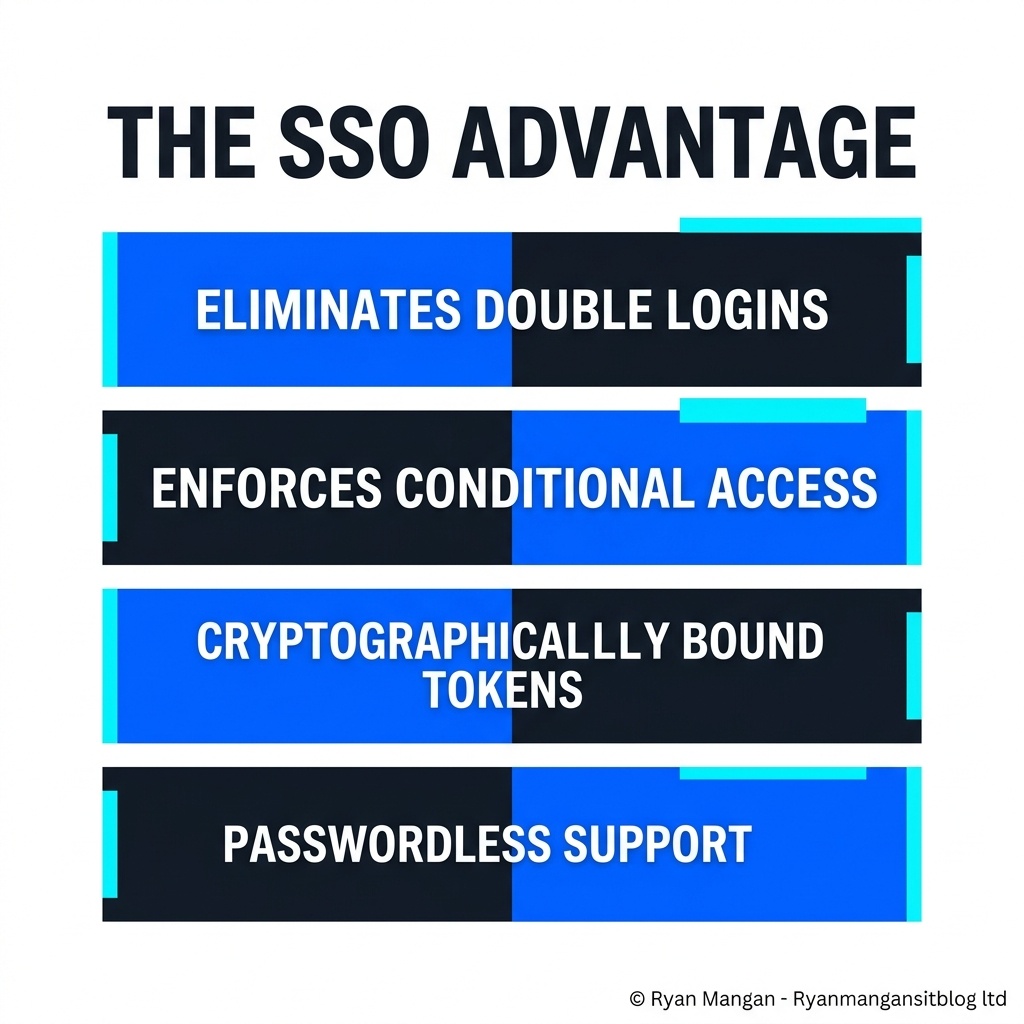
- Fewer sign-in prompts.
- Better alignment with Conditional Access.
- Support for modern factors such as Windows Hello and FIDO2.
- Stronger protection than legacy, password-centric remote desktop patterns.
This is why RDS AAD Auth should be seen as both an authentication flow and a security improvement.
Why it matters architecturally
Historically, remote access patterns often felt split:
- One identity event for the service.
- Another for the session.
- Extra prompts when accessing cloud and on-premises resources.
RDS AAD Auth helps unify that experience. It gives the Cloud PC a more cloud-native sign-in model, while still allowing hybrid environments to extend access to on-premises resources when the required trust is in place.
The hybrid join nuance
This is the part many designs gloss over. Hybrid scenarios are not "just Entra ID sign-in."
For Entra hybrid joined Cloud PCs, Microsoft documents a Kerberos trust path in which Entra ID can issue a partial Kerberos ticket and the Cloud PC can then exchange that with an on-premises domain controller for a full TGT. That is what enables access to both cloud and on-premises resources in one sign-in experience.
So if you are designing hybrid SSO, you still need:
- The correct Kerberos server object setup.
- Directory sync alignment.
- Network path to the domain controllers where required.
Without that groundwork, the sign-in story is incomplete.
What to avoid saying
It is tempting to describe this as "passwordless remote desktop" and stop there. That is too shallow.
The better way to describe it is:
- Token-based remote authentication integrated with Entra ID.
- Conditional Access-aware.
- Capable of seamless SSO.
- Extended to hybrid resource access when cloud Kerberos trust is configured properly.
That phrasing is more accurate and more useful.
Bottom line
RDS AAD Auth is one of the most important building blocks in the Windows 365 authentication model because it brings the Cloud PC sign-in flow closer to the rest of modern Microsoft identity. But the real value only shows up when the surrounding identity design is sound.
If you are cloud-only, it simplifies the sign-in path. If you are hybrid, it can bridge cloud and on-premises access, but only when the Kerberos trust design is done properly.