Windows 365 Frontline is about matching licensing and desktop persistence to how shift-based users actually work.
Windows 365 Frontline exists for a very specific design problem: users who need secure Windows access, but not a full-time dedicated Cloud PC for every named person all day, every day.
That makes it one of the most interesting Windows 365 options for healthcare, retail, manufacturing, logistics, and other shift-based environments.
The key design idea
Frontline is not just "cheaper Windows 365." It is a licensing and operating model aligned to non-concurrent usage.
There are two planning patterns to understand:
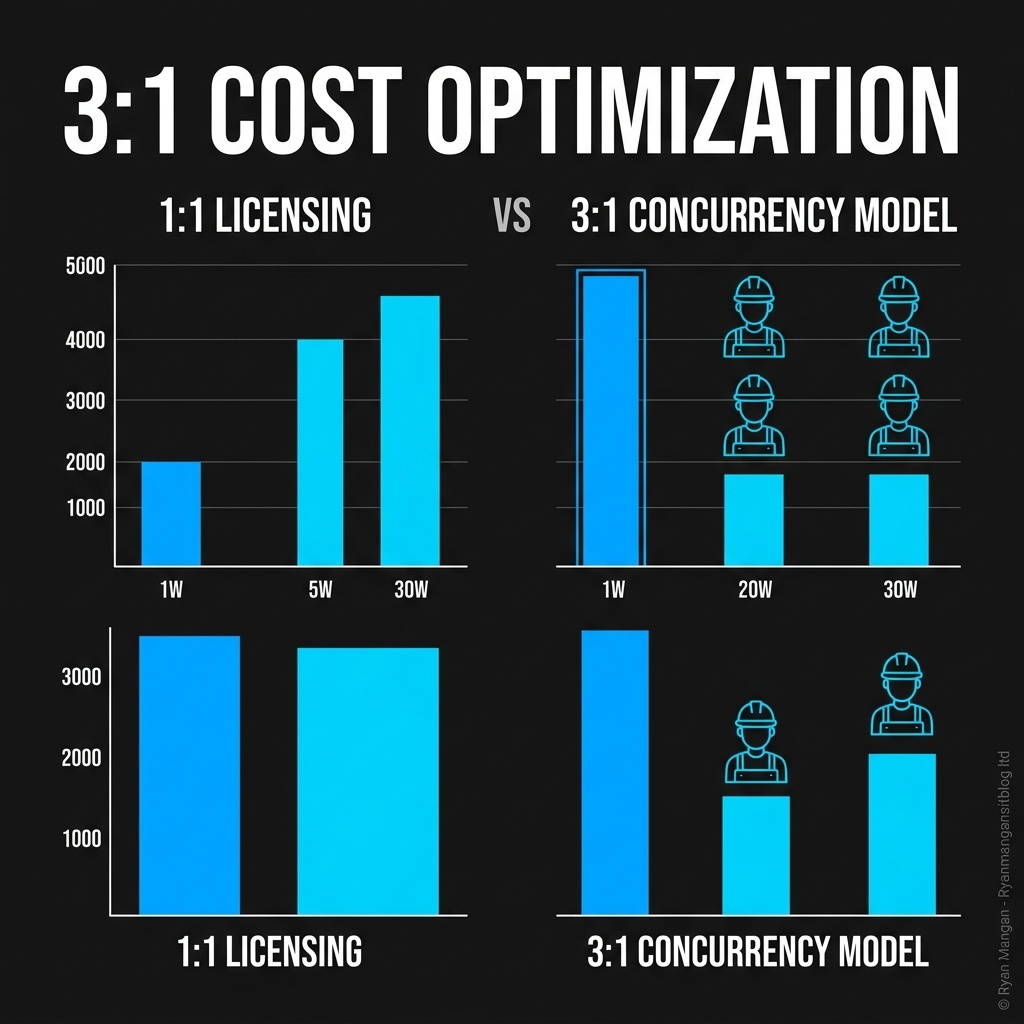
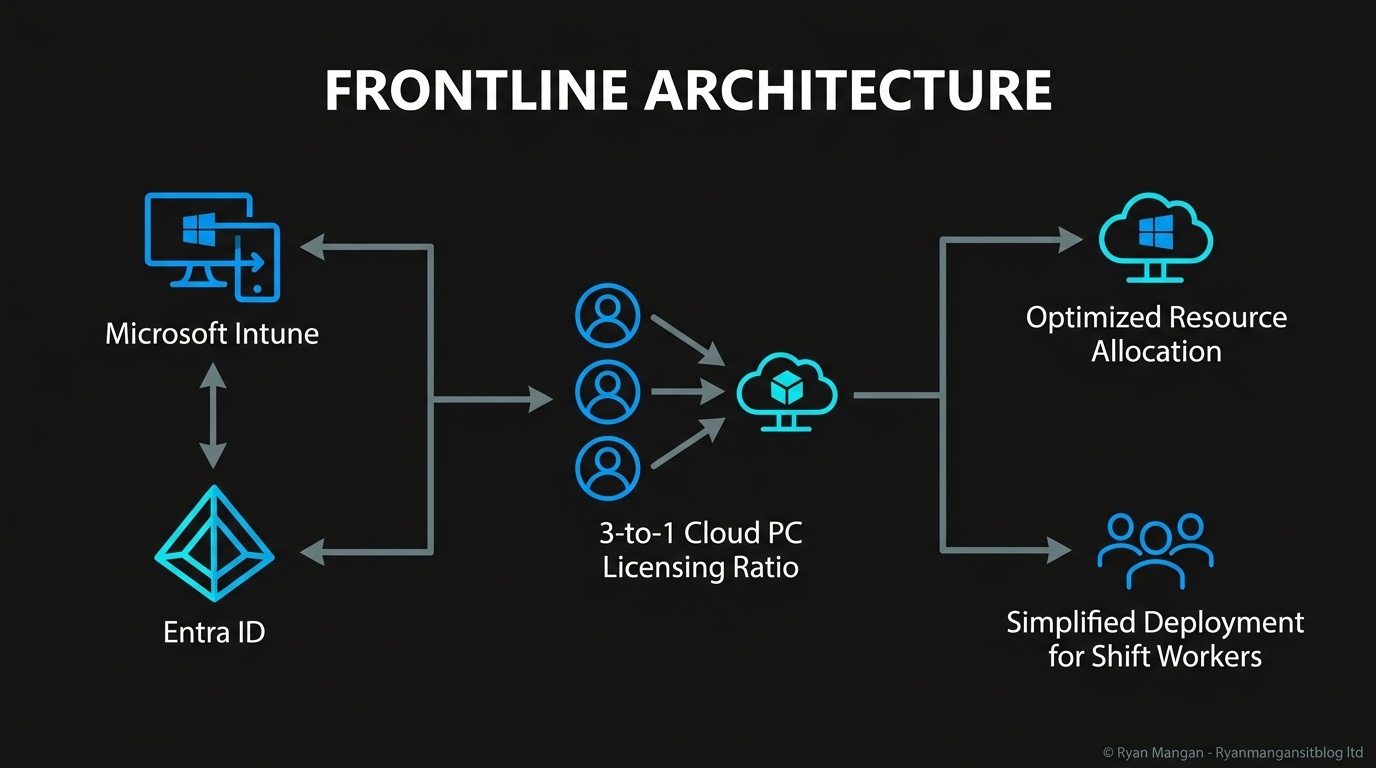
- Dedicated mode: each license can support up to three Cloud PCs assigned to three different users, but only one can be active at a time.
- Shared mode: one Cloud PC can be shared non-concurrently by a pool of users.
Those are very different experiences, so the design choice should start with user behavior rather than price.
When dedicated mode fits
Dedicated mode is the better fit when each worker still needs a personal environment:
- Personal settings.
- Persistent application state.
- A predictable user-to-device relationship.
This works well for staff who are not on shift long enough to justify a full Enterprise license but still need their own desktop identity and experience.
When shared mode fits
Shared mode is the better fit when users need short-lived access to a task environment rather than a personalized desktop.
That is a stronger pattern for:
- Kiosk-style workflows.
- Shared workstations.
- Temporary task execution.
- Training or contractor scenarios.
The trade-off is obvious: you gain licensing efficiency, but you should not expect the same persistence model as a personal Cloud PC.
The real planning question
The architectural question is not "Can Frontline reduce cost?" It can. The better question is "What kind of user state do these workers actually need?"
If the answer is "their own desktop," use dedicated mode.
If the answer is "temporary access to apps or a standard workspace," shared mode is usually the cleaner option.
That keeps the design honest and prevents teams from forcing a pooled experience onto users who really need persistence.
Operational considerations
Frontline should still be treated like the rest of Windows 365 from a governance perspective:
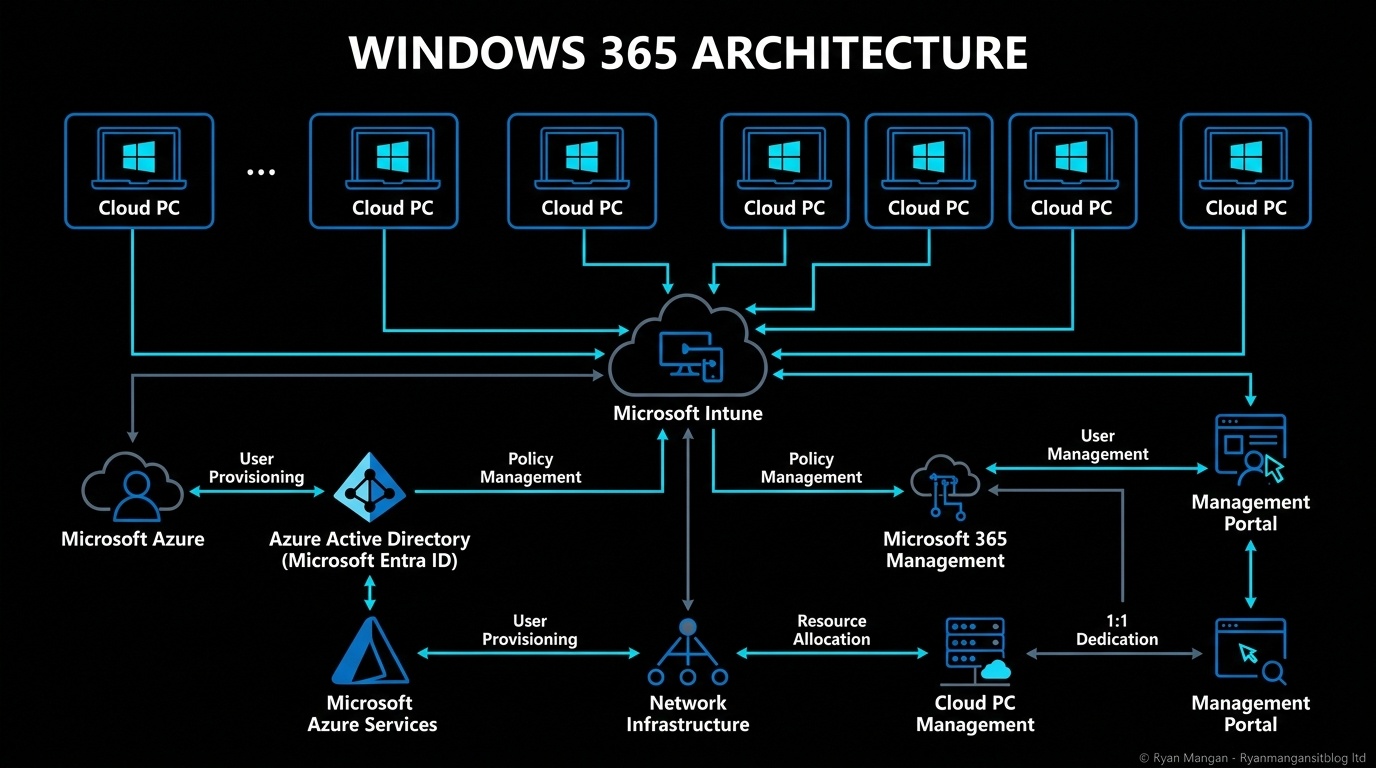
- Manage it through Intune.
- Secure it with Entra ID and Conditional Access.
- Decide how user data is handled.
- Monitor concurrency and provisioning behavior.
The difference is not that Frontline is a lighter management model. The difference is that the user and licensing model are optimized for part-time or occasional access.
Bottom line
Windows 365 Frontline is most valuable when it is mapped carefully to user behavior. Dedicated mode is for personalized, non-concurrent access. Shared mode is for temporary, task-driven access.
If you choose the mode based on actual work patterns instead of just cost, Frontline becomes a strong design option rather than a compromise.